



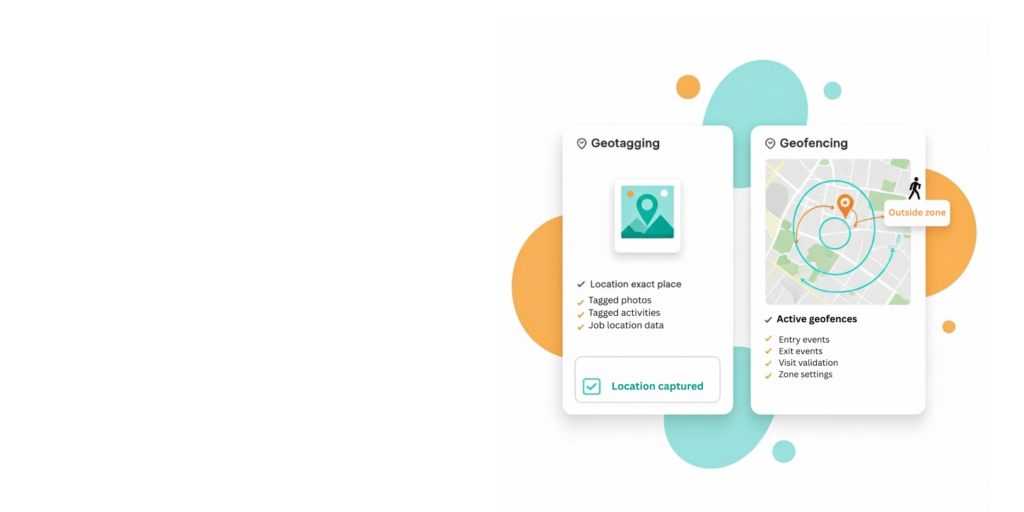
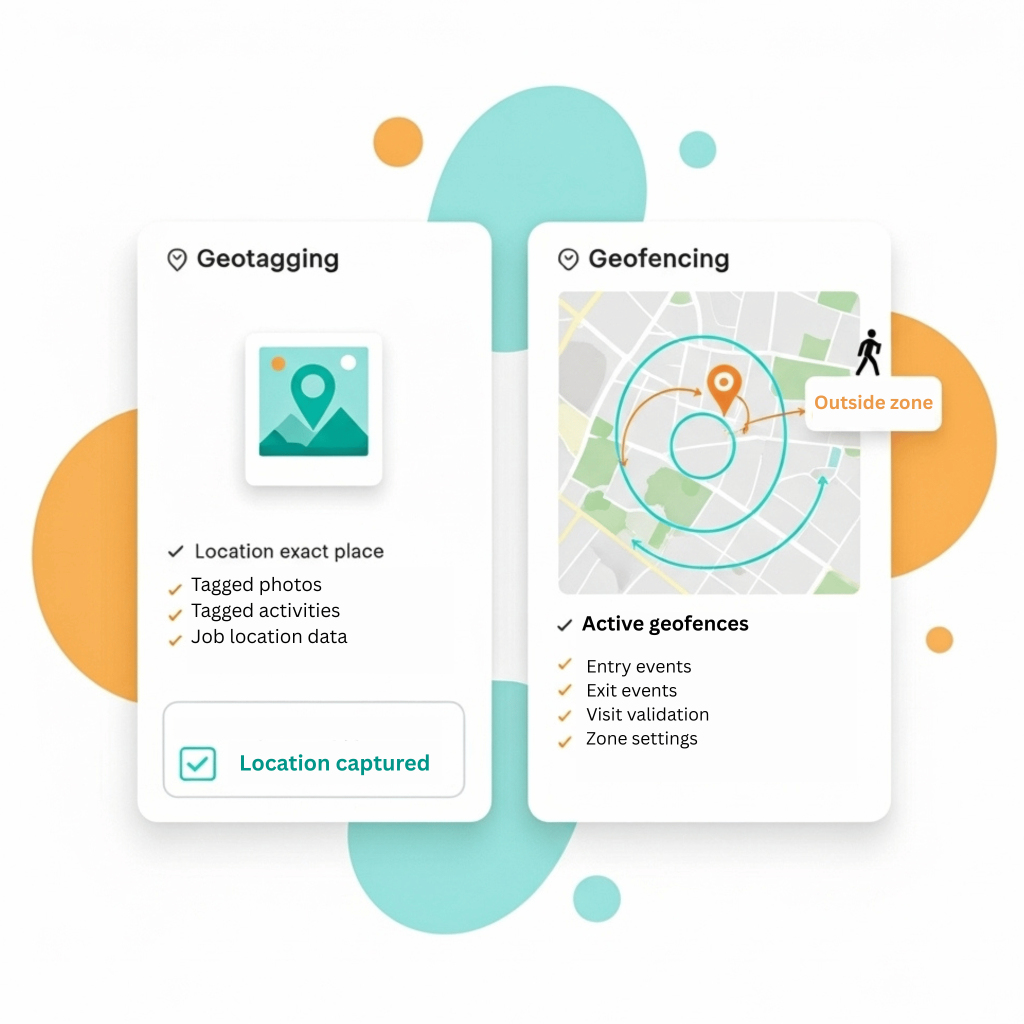
- FieldPie uses both geofencing and geotagging, which rely on location data but serve different functions.
- Geotagging marks actions with a location—like adding a location to a photo or a completed task—so you always see where a task is taking place.
- Geofencing in FieldPie creates virtual boundaries and lets you know when an employee enters or exits a defined area.
- Together, these features help you manage workspaces and ensure visits occur in the correct locations.
Features
Geotagging
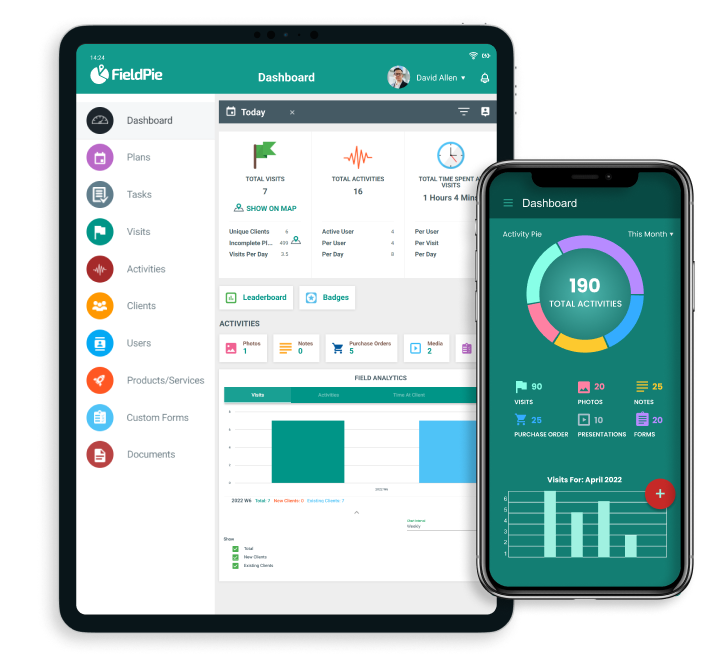
When your teams are out in the field, accuracy matters. FieldPie adds location context to every photo, form, and task your staff completes.
Geofencing and Geotagging
Time & Location Proof
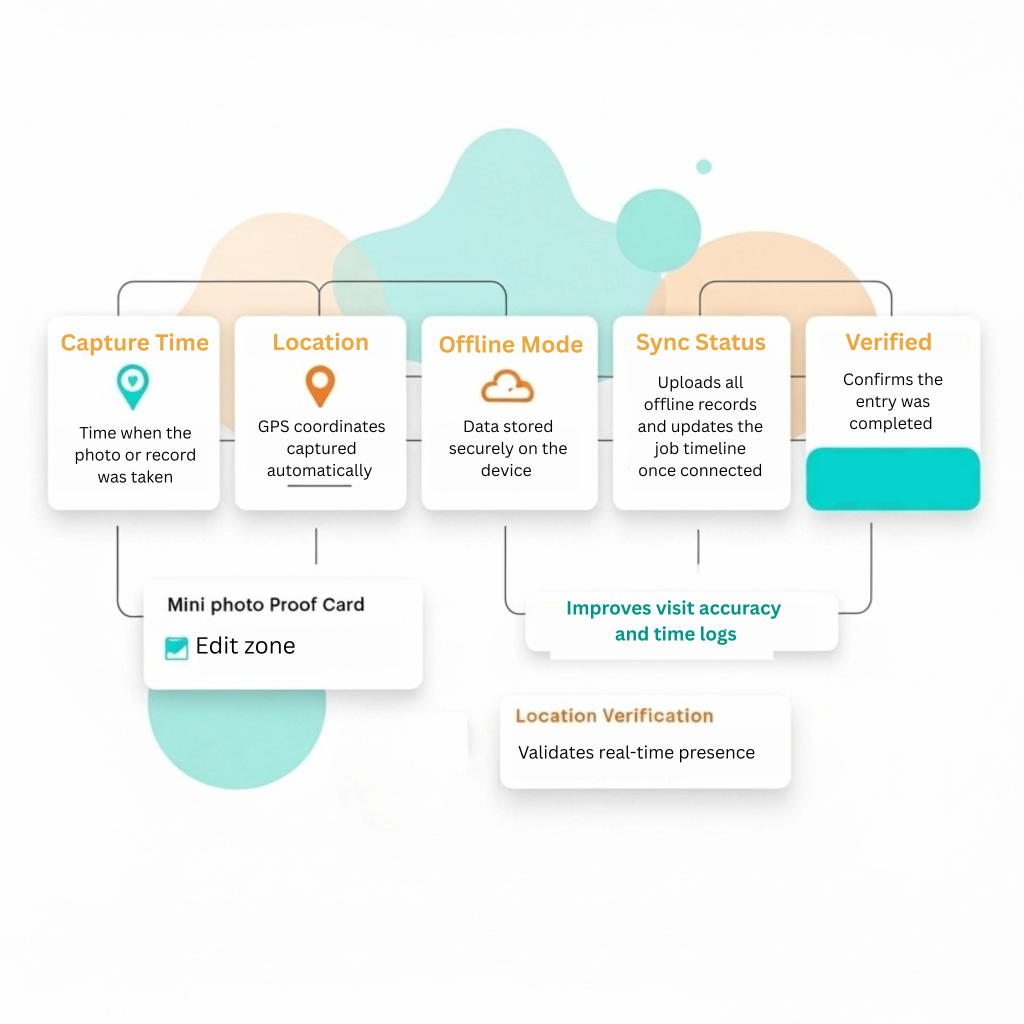
- Every task in FieldPie is automatically paired with an exact time and location, keeping all field records accurate and traceable.
- When employees work without internet, photos, notes, and location tags are stored on the device.
- All data syncs automatically once the connection returns, ensuring nothing is lost and records stay complete.
How it helps
- Gives managers verified proof of on-site work
- Builds trust with customers through transparent reporting
- Speeds up approvals and audits with clear evidence
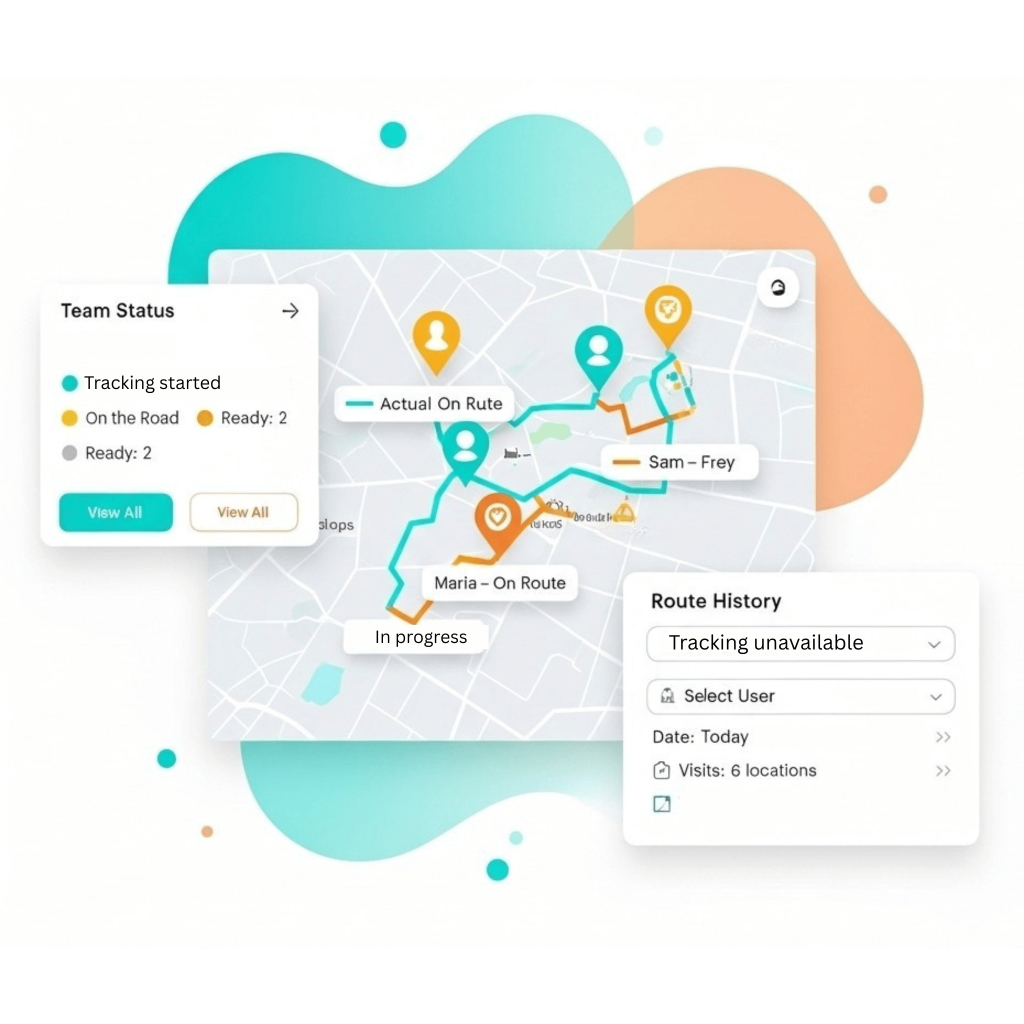
- Shows real coverage on a live map
- Reduces mistakes and missed locations
- Whether you manage retail audits, maintenance checks, or facility inspections, geotagging keeps your records clean and your reports credible.
Other Features


What Our Clients Say About FieldPie
We used to take notes of every visit in notebooks and then digitize them back at the office. Now, with FieldPie, I can record everything instantly regardless of whether I'm in the field or not. I can easily capture photos, chemical information, and customer notes. This system has significantly saved us time.

Sarah Mitchell
BluePeak
We have periodic maintenance agreements that require us to visit clients regularly each month. I used to rely heavily on a calendar to avoid missing appointments. Now, FieldPie sends us reminders, ensuring we arrive on time. Our customers are pleased, and we enjoy greater peace of mind.

Priya Kapoor
PrimeFix
FieldPie allows us to assign tasks, track representatives via GPS, and easily capture in-store data. The mobile app performs exceptionally well, even offline. Clients love the instant reports, and the dashboard provides us with real-time insights. It has simplified everything from forms to follow-ups.

Aisha Bello
NorthAxis
We now manage quotes, bookings, and dispatch from a single platform. Our techs love the mobile app, especially its offline mode. Customers receive updates via text or email, and follow-ups are automated. The introduction of real-time reporting has made a significant difference.

William Zhang
TotalScope
FieldPie has taken a paper intensive business and streamlined every aspect. Efficiencies were created that I didn’t even know existed. We can take on so much more business, with our existing structure, all because of FieldPie.

Tom Moore
123 Backflow Testing
As a sales organization, visibility is everything. FieldPie gives us a unified view of all visits, order history, photos, and store performance metrics. My reps walk into every meeting knowing exactly what happened last time and what to prioritize next. We’ve shortened our sales cycle and increased repeat orders across multiple regions.

Daniel Brooks
Sales Enablement Director, RiverStone

































Award-winning FieldPie Built For You
Trusted for innovation and renowned ease of use in field operation.

