



Invoice Generator
Need to create an invoice right away? You’ve come to the right place.
With just a few clicks and no registration, software or stress, you can use our free invoice generator to create an engaging and professional invoice.
Why You’ll Actually Use This
Easy to Use
If you can fill out a form, you’re all set. No learning curve, no fuss.
Truly Free
No trials, no hidden charges just free, plain and simple.,
Works Anywhere
Phone, tablet, laptop whatever you’ve got, it works.
Yours to Customize
Logo, services, pricing, notes add what you need, skip what you don’t.

Start Creating Invoices Now
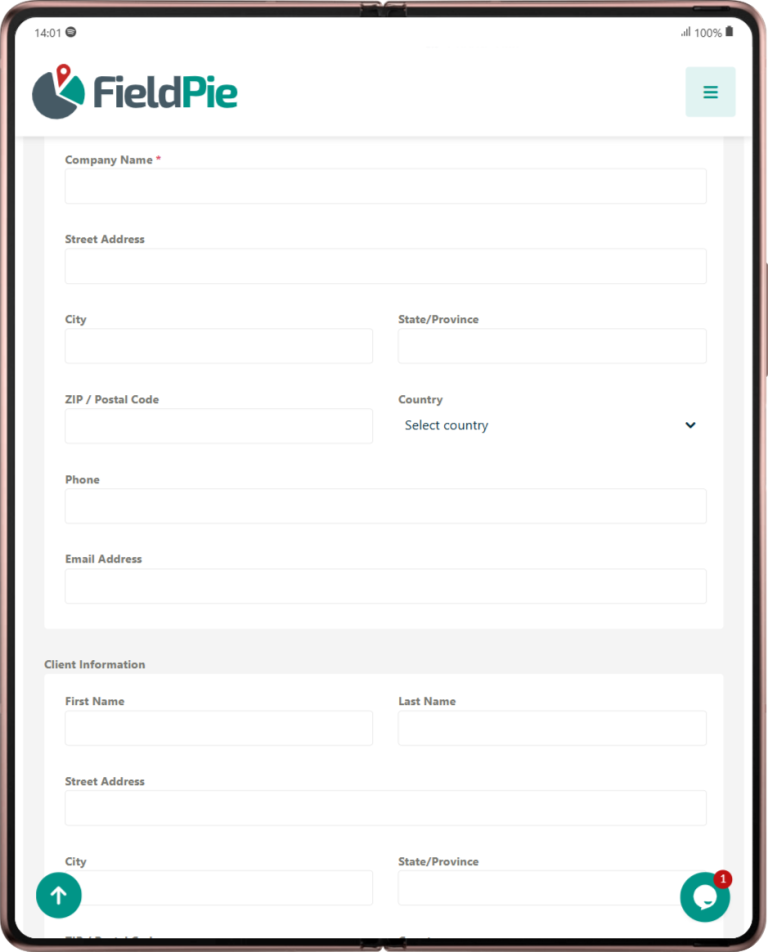
What Makes a Good Invoice?
When you send an invoice to a customer, you want it to be clear, complete, and professional. A good invoice should include only the essentials to ensure you get paid without any misunderstandings.
1. Your Business Information
Your name or company name, contact information, and logo (if applicable) will help your customer know for sure who the invoice is from and will give it a professional look.
2. Customer Information
The name and contact information of the person or business you are invoiced to is just a small piece of information, but it’s enough to keep both parties organized and transparent.
3. Date and Invoice Number
You should have a different invoice number for each invoice to make it easy to keep track of what was sent and what was paid. Assigning the date the invoice was issued is also a way to avoid misunderstandings.
4. Your Actions or Deliveries
Please provide a list of all the goods or services you delivered. For example, Monthly window cleaning – 6 windows or Sewer unclogging – 1 hour of labor are two great examples of this type of communication. The first is a great mix of being concise and detailed.
5. Price
Break down each product or service on the invoice to explain where the cost comes from. If you bill by the hour, include the pricing and hours. Make sure to show the final amount accurately and include tax if applicable.