



Features
Custom Forms
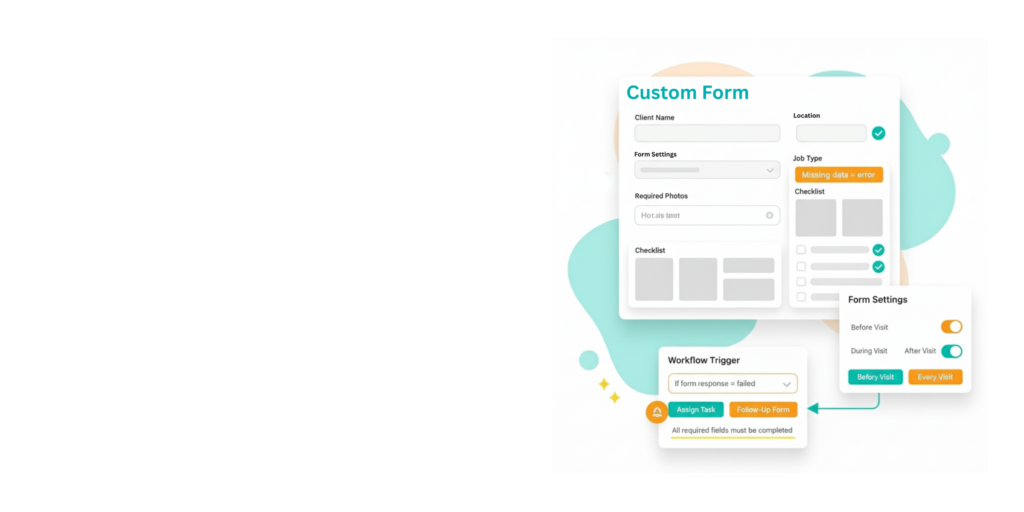
Use pre-made templates or create your own in minutes. Forms work online and offline, so your field team can always capture the data you need.
Custom Forms
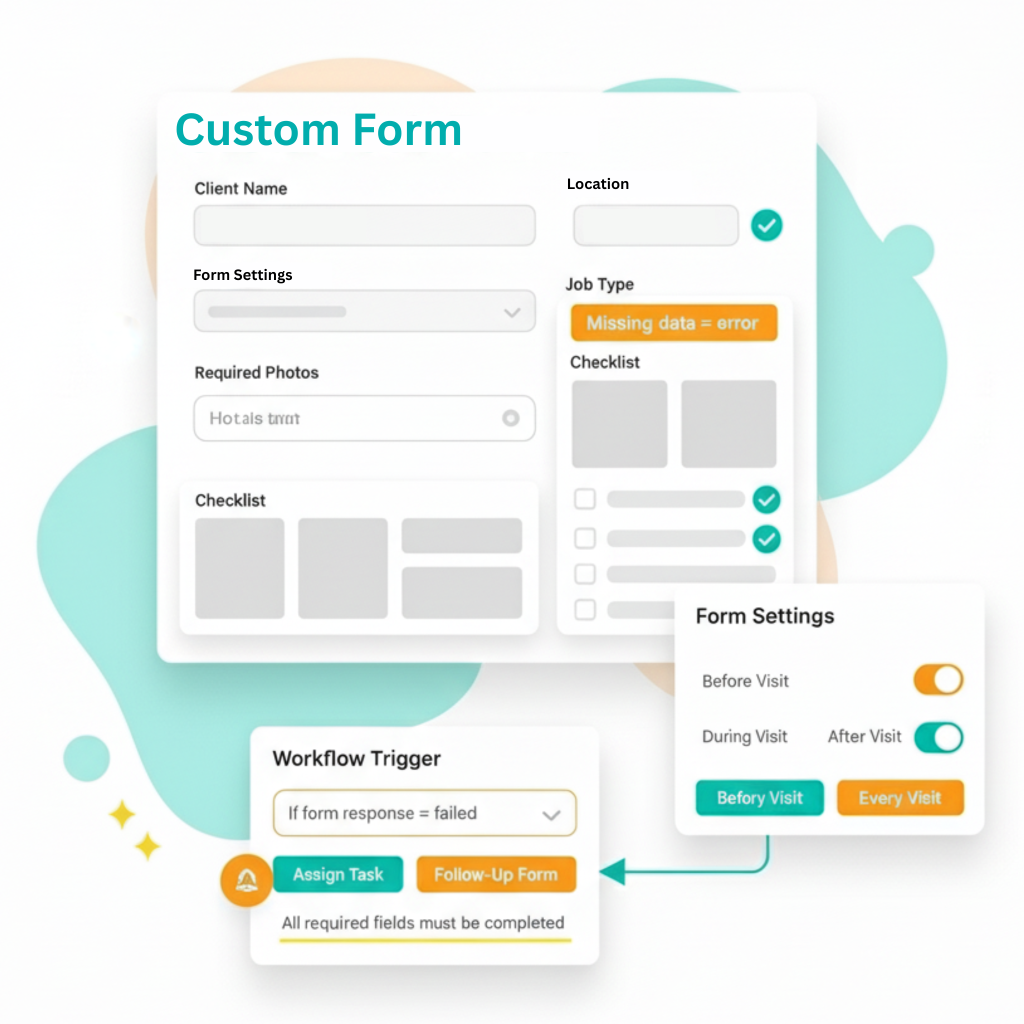
FieldPie lets you collect accurate, structured information in the field without slowing anyone down. Forms adapt to your workflow, guide users through the right steps, and ensure every job, inspection, or audit delivers complete and consistent data.
Rich, Flexible Forms
- Attach the right form to every job, task, or visit.
- Pre-fill client, location, or asset details to save time and reduce errors.
- Make forms required before, during, or after work to ensure consistent execution.
- With rich form data types, you collect accurate, high-quality data every time.
Form Timing & Requirements
- Set exactly when forms must be completed: once, every visit, or at specific workflow steps.
- Structure tasks in the correct order to prevent missing information. Maintain unified processes across all teams and regions.
Workflow-Driven Forms
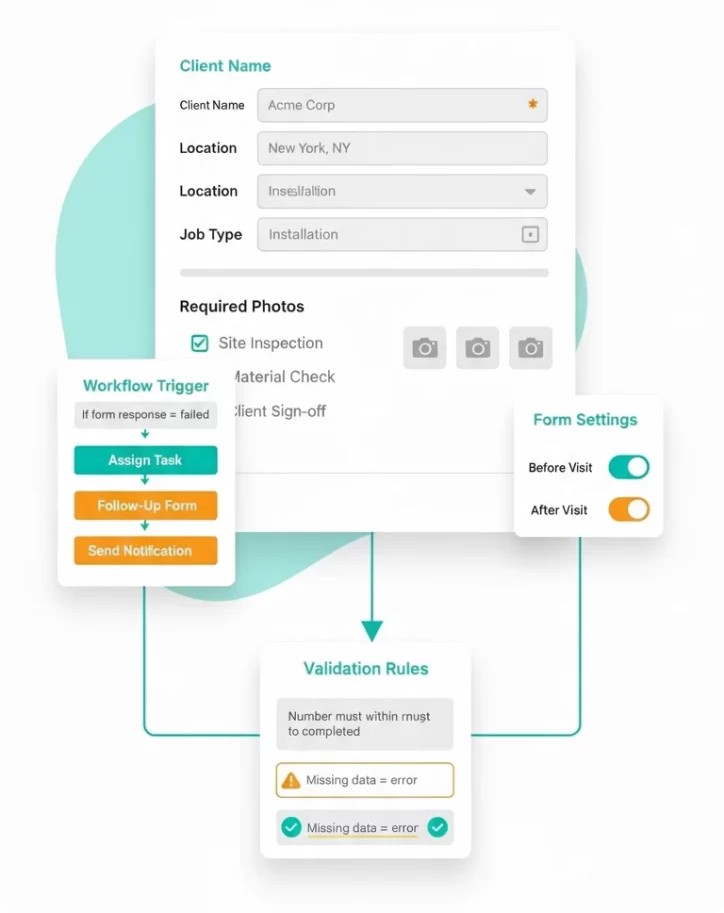
With the workflow feature, you can create automations based on the data you receive from forms so actions happen instantly—no waiting, no manual follow-ups.
Automated Actions
- Turn field events into automatic actions using simple rules.
- Trigger tasks, scheduling, notifications, approvals, or follow-up forms based on responses, photos, missed visits.
- Every step is timestamped and visible in reports for full traceability.
Rule-Based Validation
- Add rules to take precautions against undesirable situations.
- Fix issues immediately instead of discovering them later.
Comprehensive Form Toolkit
Photo, Notes & Marking Tools
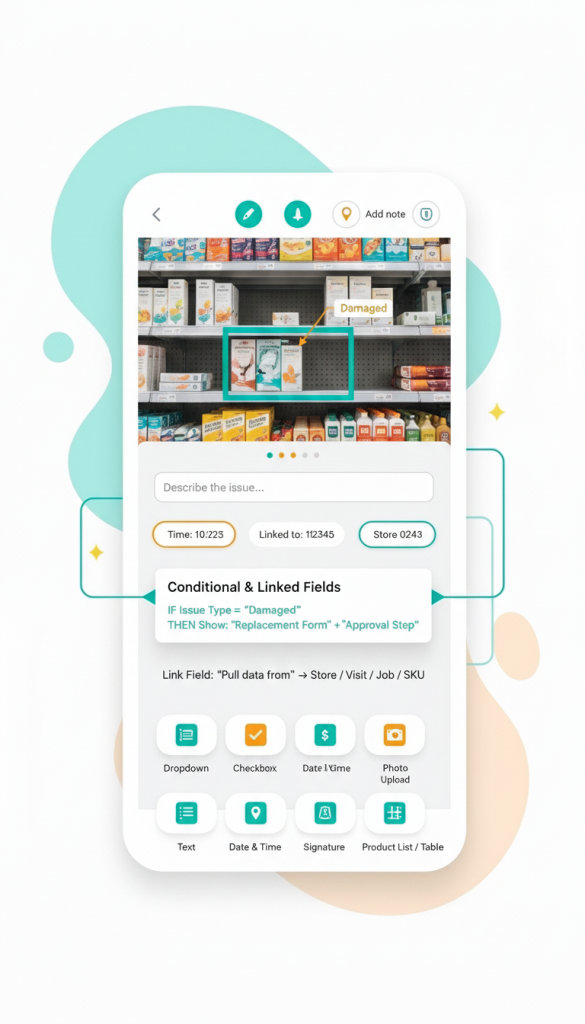
- Take photos and mark exactly what needs attention.
- Highlight missing, damaged, or incorrect items for clarity.
- Add quick notes during any visit; all entries are timestamped and linked to the job or client.
Standalone Custom Forms
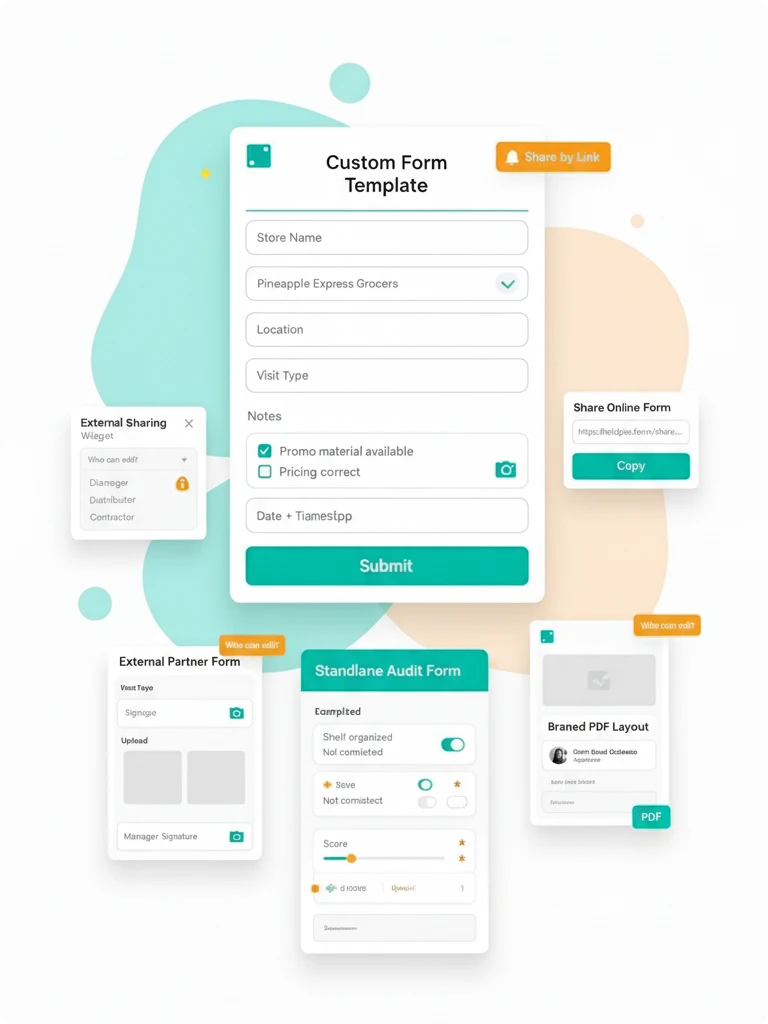
- Use forms independently for audits, store walks, surveys, or compliance checks.
- Ideal for quick evaluations that are not tied to a job or visit.
Custom Form PDF Templates
- Turn every submission into a branded PDF with your layout and logo.
- Include photos, signatures, timestamps, and attachments.
- Auto-share with clients or archive for record-keeping.
Scored Forms
-
Add scoring to your forms so each answer contributes to a clear overall score.
-
Questions include selectable options, and the form calculates the total automatically.
-
Easy to compare results and understand performance at a glance.
Sharing & Form Access
Share Forms Externally
- Send forms to customers, partners, contractors, or store managers through a simple link or QR code.
- Collect photos, signatures, and documents without login or extra steps.
- All submissions sync instantly into FieldPie.
Access-Controlled Forms
- Control who can view or edit specific forms.
- Set rules and permissions by role, team, region, or client.
- Make forms required at scheduled intervals to maintain consistent records.
Conditional & Linked Fields
- Show or hide fields based on earlier responses.
- Use cascading selections to speed up data entry and reduce errors.
- Trigger related forms, approvals, or tasks based on responses.
Other Features


What Our Clients Say About FieldPie
We used to take notes of every visit in notebooks and then digitize them back at the office. Now, with FieldPie, I can record everything instantly regardless of whether I'm in the field or not. I can easily capture photos, chemical information, and customer notes. This system has significantly saved us time.


We have periodic maintenance agreements that require us to visit clients regularly each month. I used to rely heavily on a calendar to avoid missing appointments. Now, FieldPie sends us reminders, ensuring we arrive on time. Our customers are pleased, and we enjoy greater peace of mind.

FieldPie allows us to assign tasks, track representatives via GPS, and easily capture in-store data. The mobile app performs exceptionally well, even offline. Clients love the instant reports, and the dashboard provides us with real-time insights. It has simplified everything from forms to follow-ups.

We now manage quotes, bookings, and dispatch from a single platform. Our techs love the mobile app, especially its offline mode. Customers receive updates via text or email, and follow-ups are automated. The introduction of real-time reporting has made a significant difference.

FieldPie has taken a paper intensive business and streamlined every aspect. Efficiencies were created that I didn’t even know existed. We can take on so much more business, with our existing structure, all because of FieldPie.

As a sales organization, visibility is everything. FieldPie gives us a unified view of all visits, order history, photos, and store performance metrics. My reps walk into every meeting knowing exactly what happened last time and what to prioritize next. We’ve shortened our sales cycle and increased repeat orders across multiple regions.