



Features
Workflow Automation
Automates business processes with smart rules that keep everything running smoothly.

Workflow Types
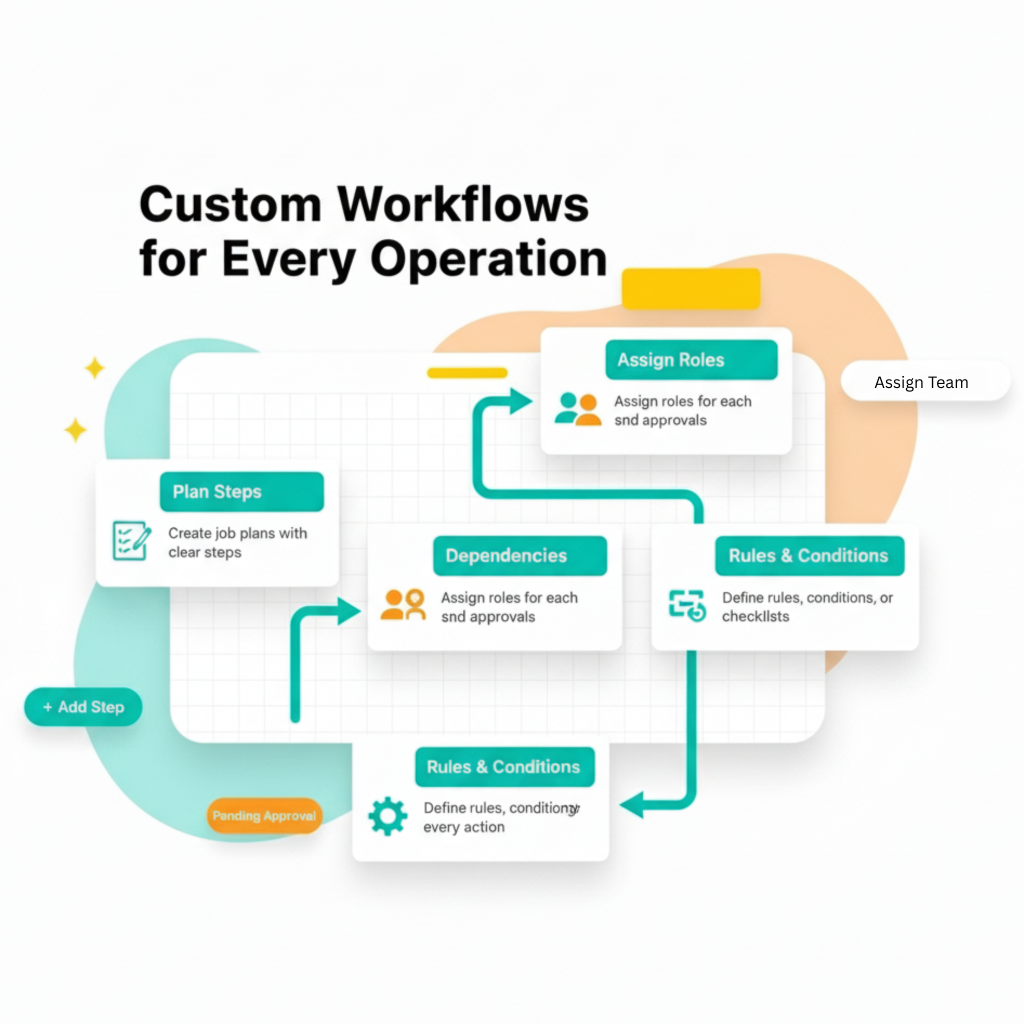
FieldPie helps you automate repetitive steps, reduce manual follow-ups, and keep every process running smoothly. Workflows ensure the right action happens at the right moment—without delays, missed tasks.
Use workflows to notify the right people, assign responsibilities instantly, trigger follow-up actions, and keep progress fully traceable. This creates consistent execution, faster response times, and higher accountability across your entire organization. Workflow Action Types:
-
Send Automated E-mails or Text Messages
-
Create Task or Visit
-
Update Client State
FieldPie turns your operational rules into automated, reliable workflows — so your teams work faster, stay aligned, and deliver better results every day.
Smart Triggers
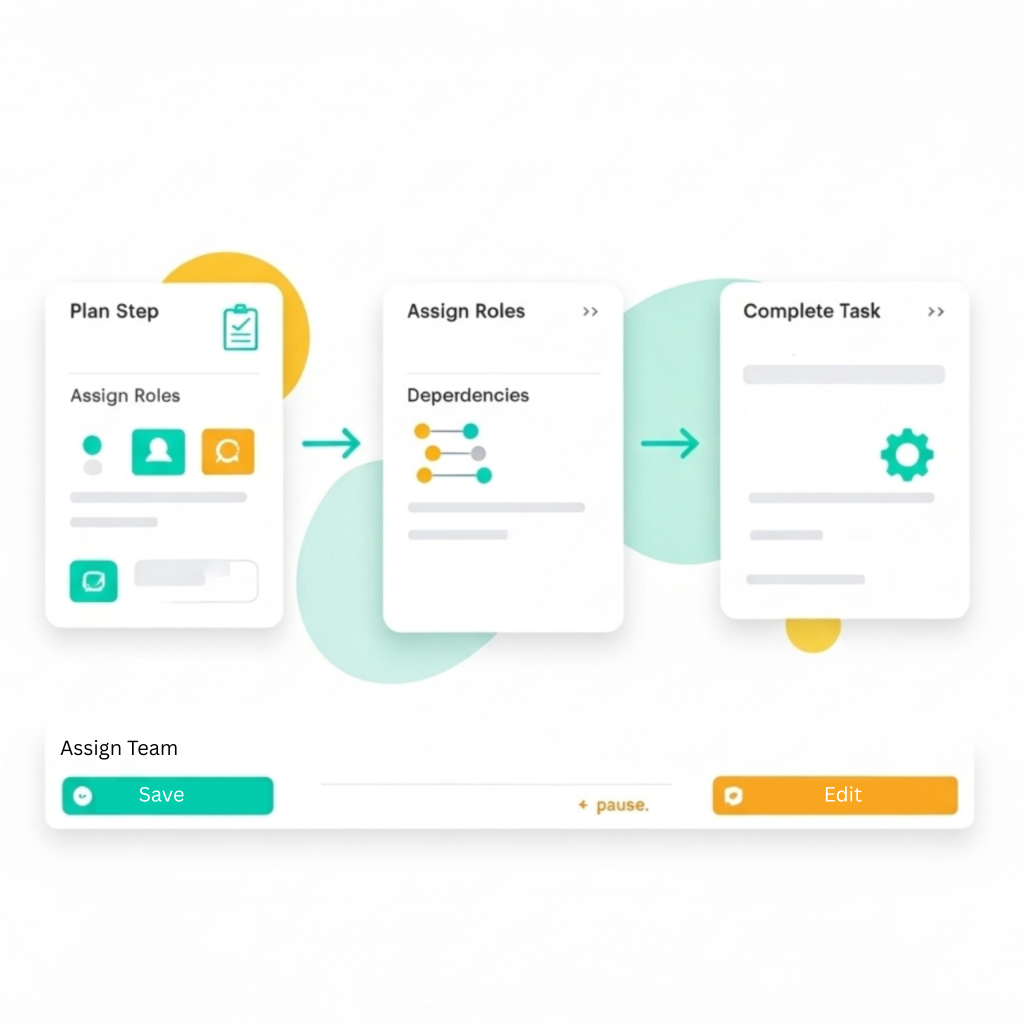
FieldPie workflows are designed to keep work moving automatically. You can add smart triggers that send reminders, alerts, or next-step actions based on time, status, or results.
- Notify managers when an inspection is late.
- Assign the next job as soon as the current step is done.
- Flag issues when approval deadlines pass.
- Create reports or invoices automatically after the final step.
Forget manual follow-ups. FieldPie keeps everything on track. Your team can focus on doing the work.
Approvals and Escalations
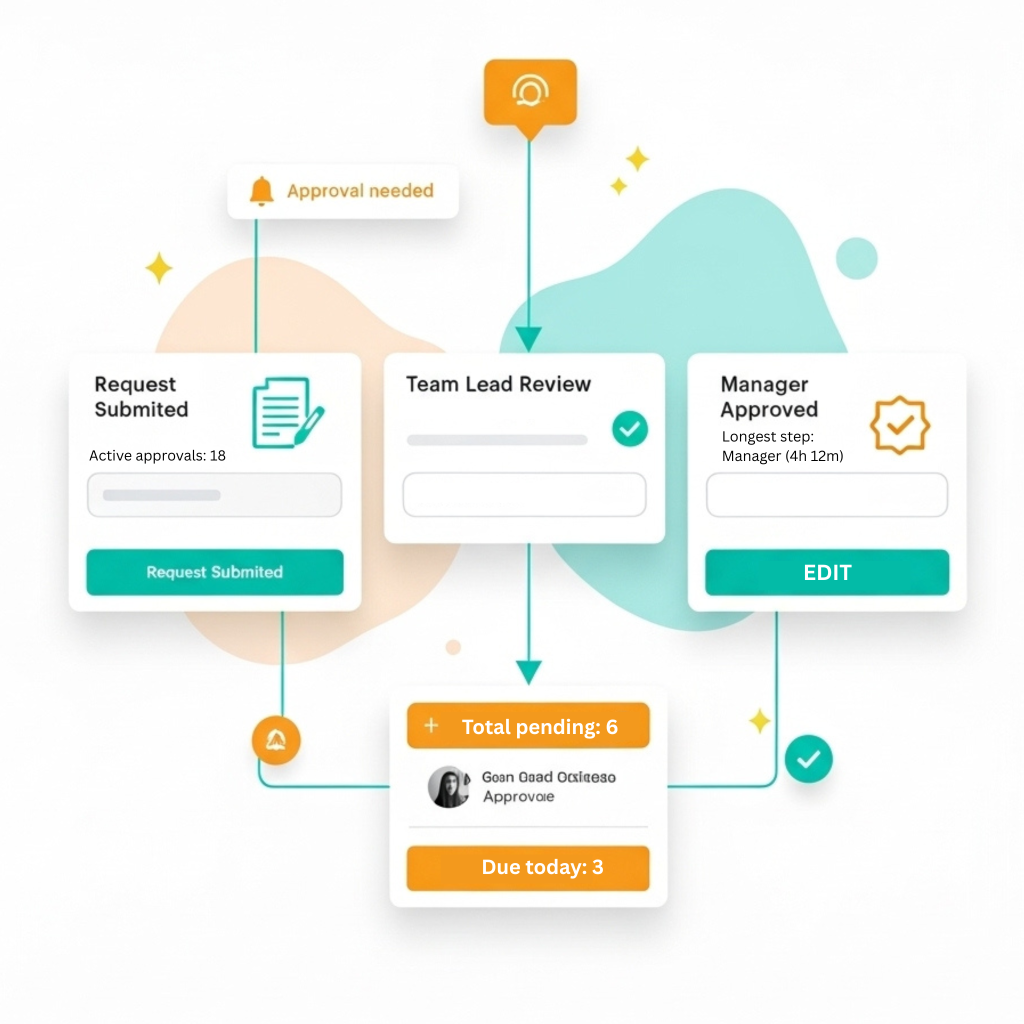
FieldPie simplifies approvals by getting rid of endless emails and reminders. Just define who approves items and what happens if they don’t. With FieldPie you can:
- Create multi-level approval processes (for example: from employee to team leader to manager).
- Use conditional logic to trigger approvals only when needed, like for expensive items or failed inspections.
- Set up escalations to keep approvals flowing when deadlines are missed or things stall.
- Receive real-time updates through the app, by email, or on your dashboard.
- Stop wasting time chasing approvals—keep it all in one easy flow.
Workflow Analytics
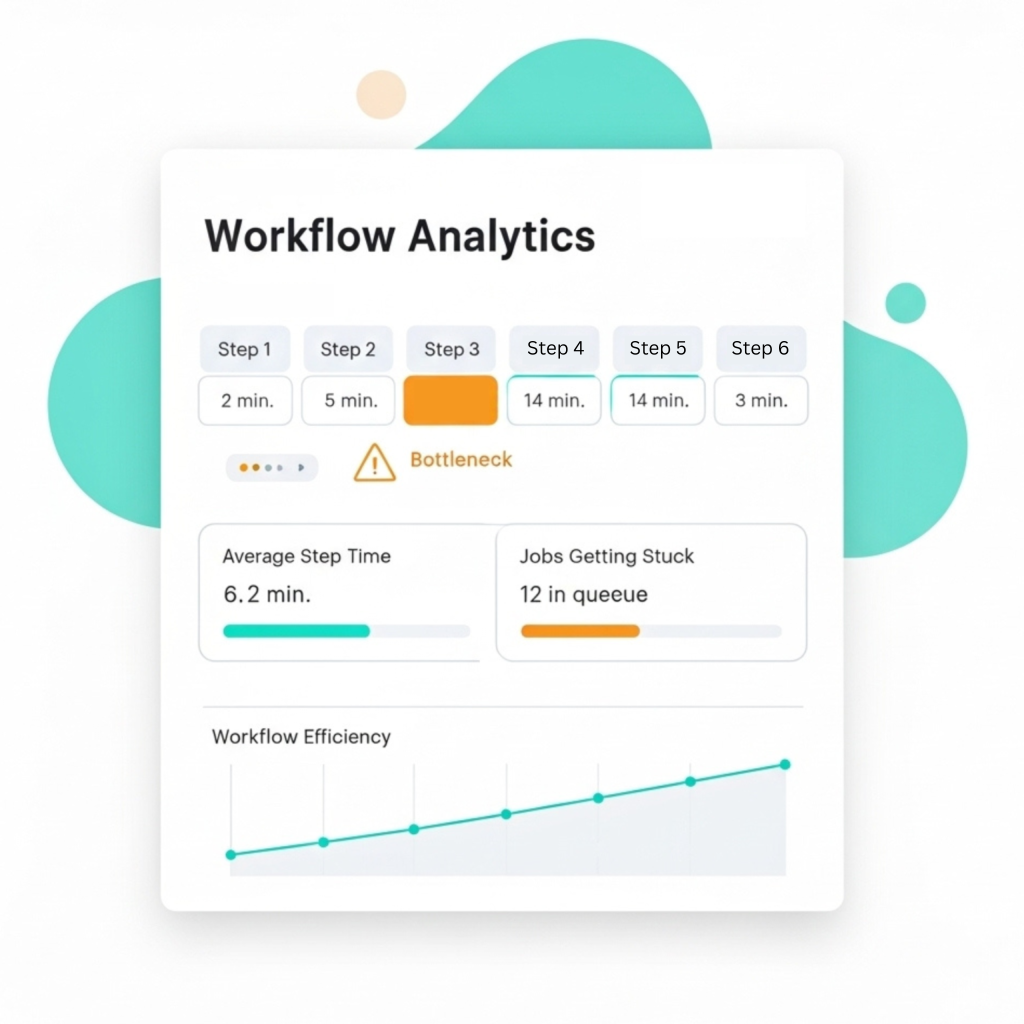
Once your workflows are up and running, FieldPie automatically gathers data. You’ll be able to see how long each step takes, how often jobs get stuck, and which processes are slowing things down. With this info, you can improve your workflows by cutting out unnecessary steps.
Other Features


What Our Clients Say About FieldPie