



Features
Online Booking
Turn online requests into confirmed visits with clear availability and conflict-free calendars. Customers choose a time, your team handles the rest.
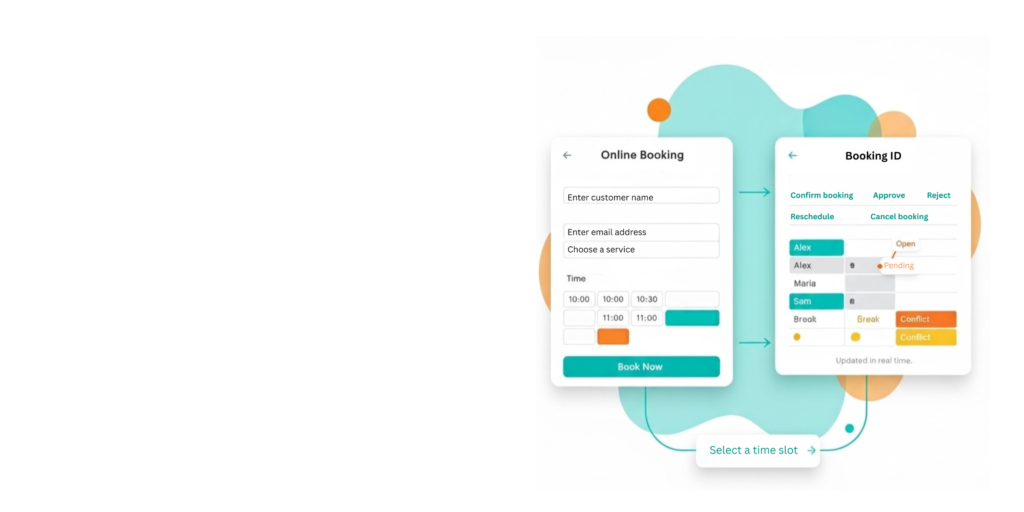
Online Booking and Availability
- Use a branded booking page or an embedded widget on your site, where the customer selects a time and fills out a short form.
- FieldPie captures the request as a lead and creates a job, so your team can review it, schedule it on the calendar, and assign it to the right person.
- When scheduling, you can see your team’s calendars and which time slots are already booked.
- This helps you avoid scheduling conflicts or duplicate bookings.
- Track actual visit duration once the work begins for more accurate future scheduling.
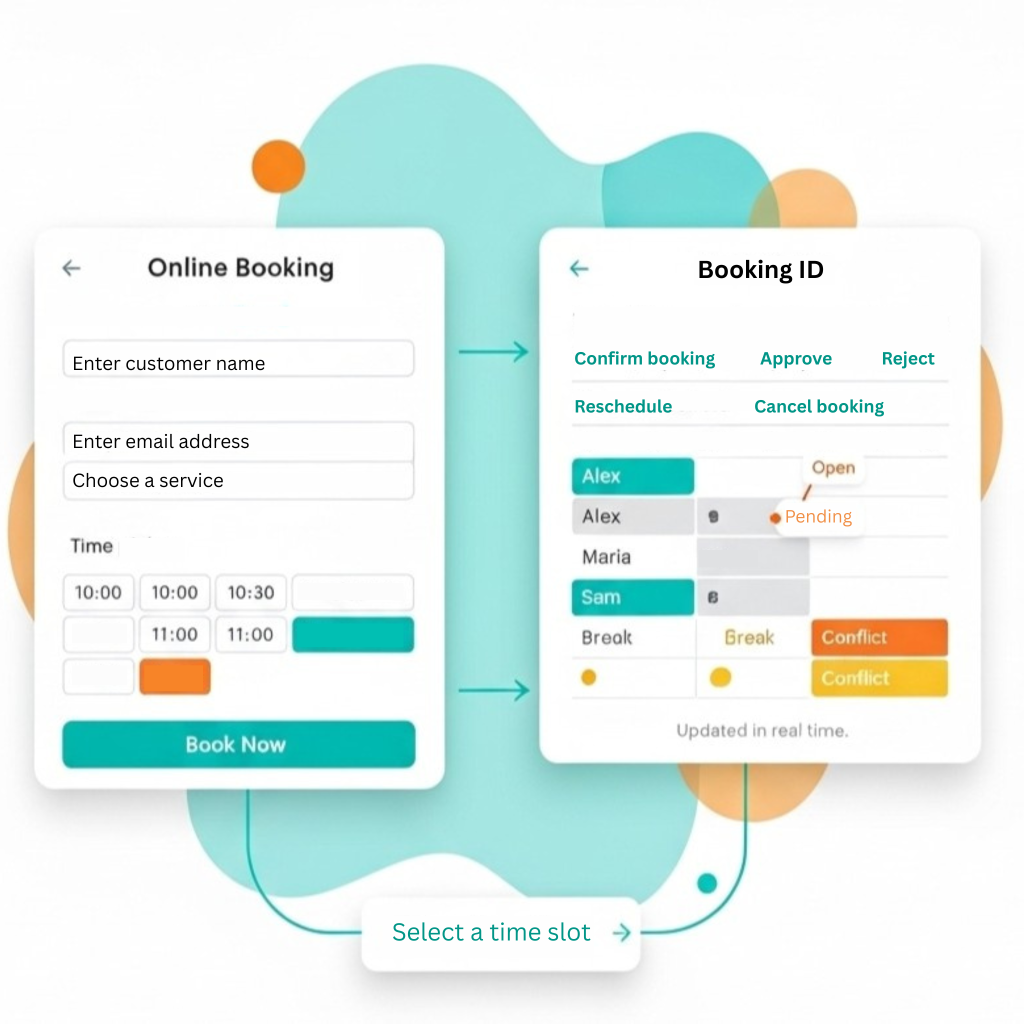
Automatic Job and Visit Creation
-
Every booking automatically becomes a job or visit with the customer details already filled in.
-
Your team can then choose the date and time, add it to the calendar, and assign it to the right person.
-
Once scheduled, the visit appears in daily views and can be included in routes and plans.
-
Notes, attachments, and work details are stored with the job and stay available for future visits.
Customer Notifications
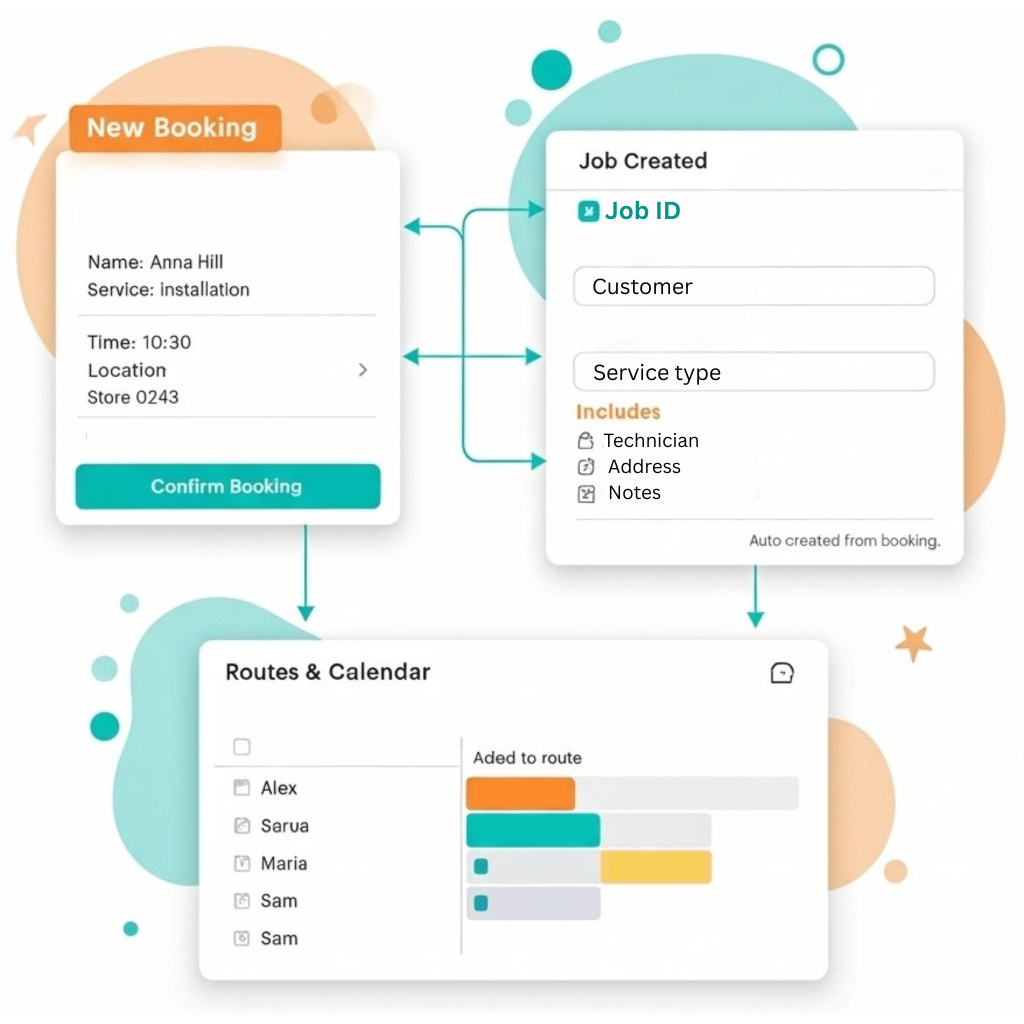
- Instant confirmation via email/SMS with all details.
- Timely reminders reduce no-show rates.
- Easy rescheduling/cancellation within your policy.
- “On the way” and completion messages keep customers informed.
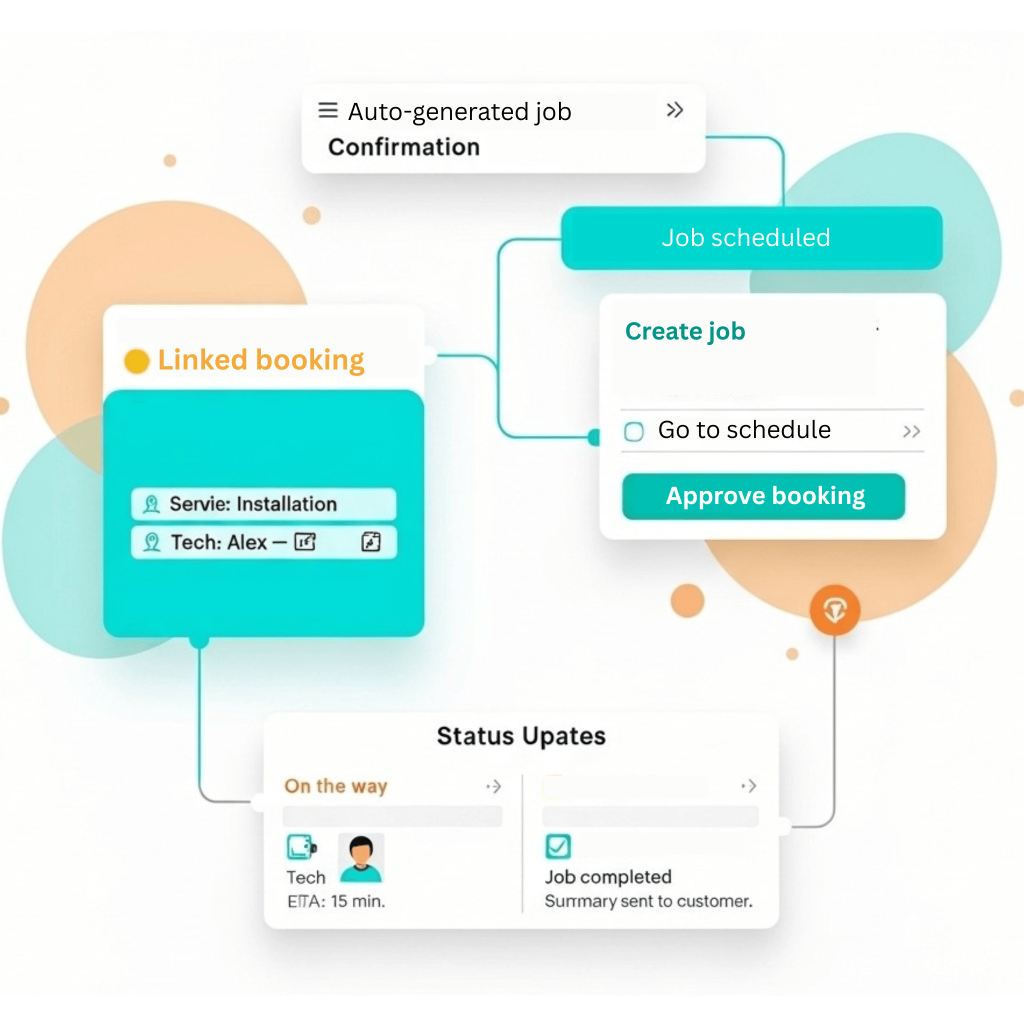
Calendar & Dispatch Sync
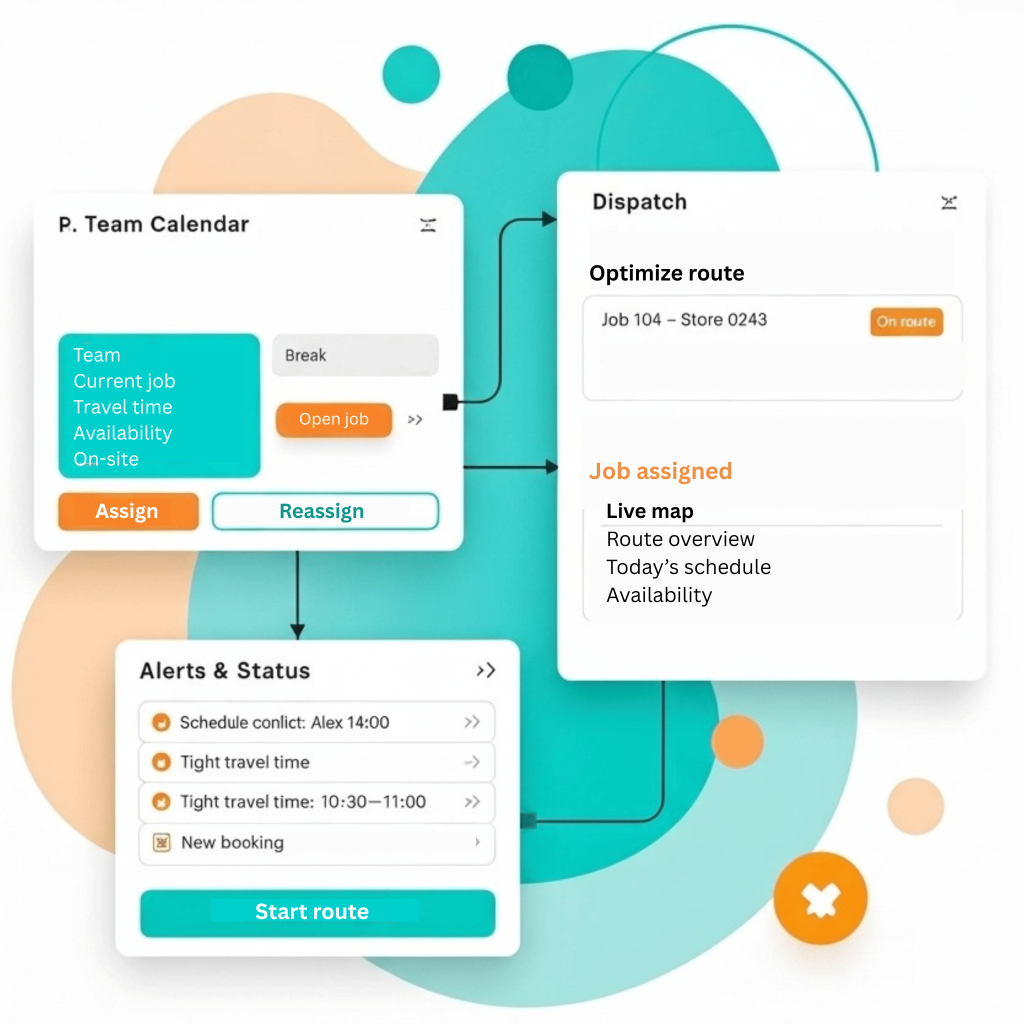
- Track your team’s workflow with real-time calendar and dispatch updates for every booking.
- Instantly know who’s available or currently on site.
- Easily distribute work across different teams and locations.
- Receive alerts about scheduling conflicts so managers can quickly make changes.
Other Features


What Our Clients Say About FieldPie
We used to take notes of every visit in notebooks and then digitize them back at the office. Now, with FieldPie, I can record everything instantly regardless of whether I'm in the field or not. I can easily capture photos, chemical information, and customer notes. This system has significantly saved us time.


We have periodic maintenance agreements that require us to visit clients regularly each month. I used to rely heavily on a calendar to avoid missing appointments. Now, FieldPie sends us reminders, ensuring we arrive on time. Our customers are pleased, and we enjoy greater peace of mind.

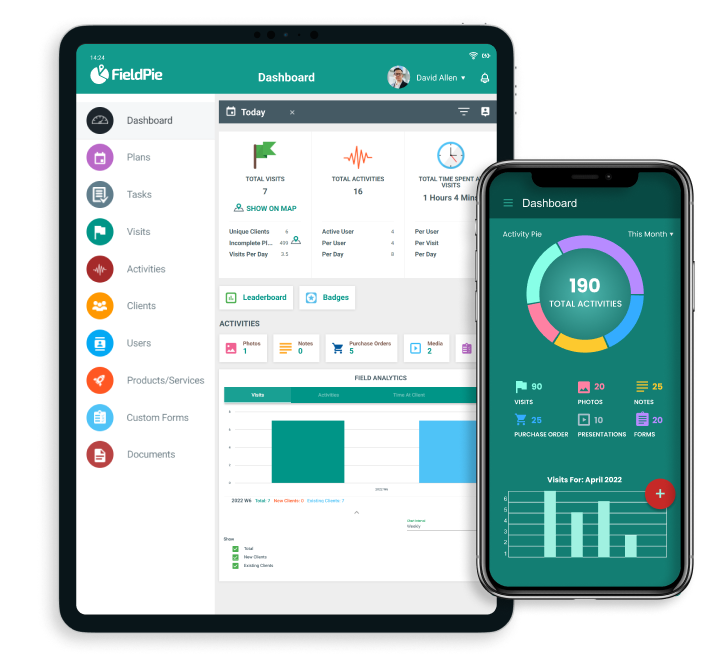
FieldPie allows us to assign tasks, track representatives via GPS, and easily capture in-store data. The mobile app performs exceptionally well, even offline. Clients love the instant reports, and the dashboard provides us with real-time insights. It has simplified everything from forms to follow-ups.

We now manage quotes, bookings, and dispatch from a single platform. Our techs love the mobile app, especially its offline mode. Customers receive updates via text or email, and follow-ups are automated. The introduction of real-time reporting has made a significant difference.

FieldPie has taken a paper intensive business and streamlined every aspect. Efficiencies were created that I didn’t even know existed. We can take on so much more business, with our existing structure, all because of FieldPie.

As a sales organization, visibility is everything. FieldPie gives us a unified view of all visits, order history, photos, and store performance metrics. My reps walk into every meeting knowing exactly what happened last time and what to prioritize next. We’ve shortened our sales cycle and increased repeat orders across multiple regions.