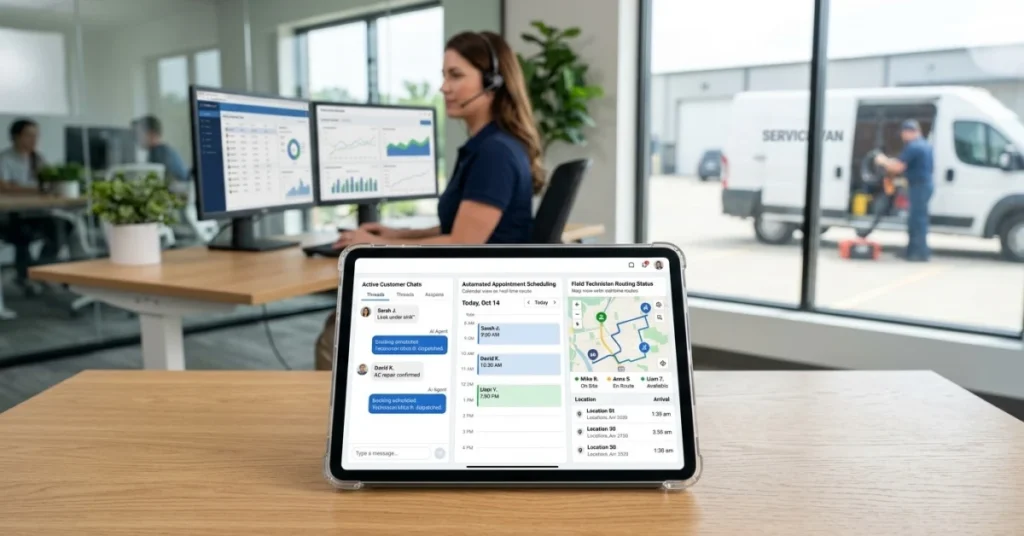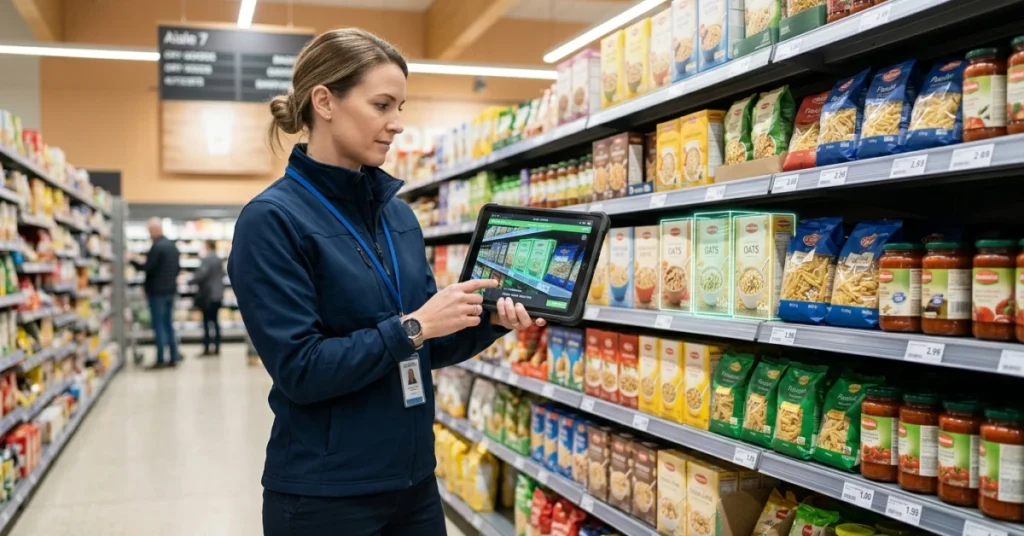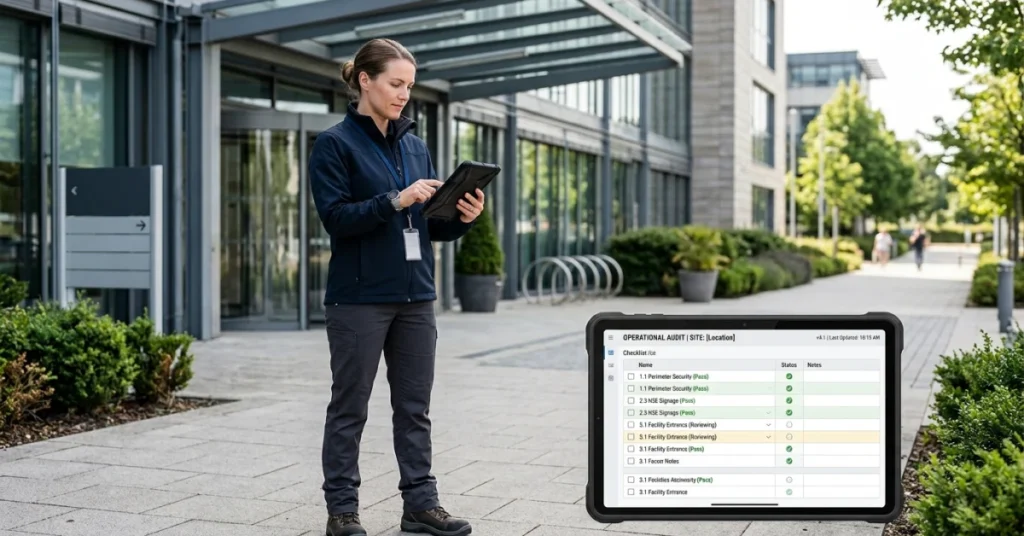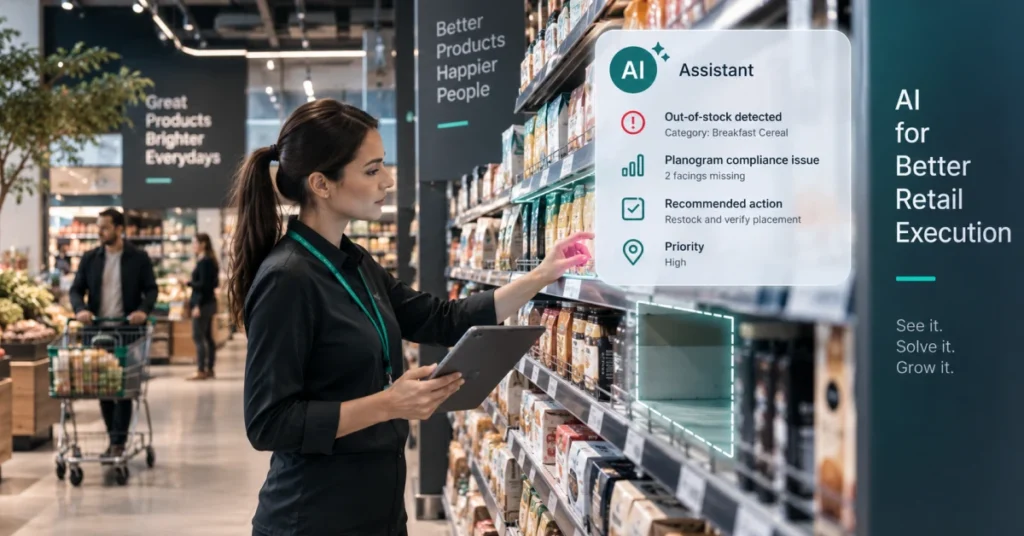


The U.S. plumbing market is estimated at $121.5 billion, yet many businesses still rely on spreadsheets and manual tools — leading to scheduling conflicts, billing delays and limited operational visibility. The global plumbing service software market is projected to reach $2.91 billion by 2030, driven by demand for smarter scheduling, integrated invoicing and real-time field management.
Modern platforms bring dispatch, customer data and operations into one unified system, giving managers live insight into job progress while enabling technicians to complete more jobs in less time. This article reviews the best plumbing software based on real field needs, usability and long-term scalability.
Why Your Plumbing Business Needs Software
Plumbing companies increasingly rely on software to stay efficient, competitive and scalable. There are several reasons for investing in plumbing software:
- Manual tools create inefficiencies. Paper schedules and spreadsheets cause scheduling issues, billing delays and miscommunication. Relying on manual methods for job scheduling, invoicing and communication leads to time‑consuming tasks and potential errors, slowing down operations.
- Centralised software brings visibility and control. Software unifies scheduling, dispatching, work‑order management, invoicing and customer data, giving office staff and field technicians a single source of truth.
- Real‑time tools reduce missed jobs and rework. Dynamic routing and real‑time scheduling assign the nearest available technician and update schedules as emergency calls or delays occur, reducing travel time and maximising productivity.
- Faster invoicing and payments improve cash flow. Digital estimates and invoices accelerate approvals and payments, while integrations with accounting systems eliminate double data entry.
Businesses adopting software operate more efficiently and grow faster because they can serve more customers, reduce administrative overhead and make data‑driven decisions.
What These Plumbing Software Solutions Have in Common
Plumbing software products vary in features and focus, yet the tools reviewed below share several fundamental capabilities designed to support efficient field operations as companies scale. These platforms generally:
- Replace manual tools such as spreadsheets, paper schedules and text‑based coordination.
- Centralise scheduling and job execution, providing dispatchers with drag‑and‑drop calendars, live technician locations and real‑time schedule updates.
- Connect office teams and field plumbers through mobile apps that display job details, customer history, digital forms and navigation.
- Support estimating, invoicing and payments, often with integrations to accounting platforms like QuickBooks to streamline billing and ensure accurate accounting.
- Improve operational visibility, offering dashboards and reports that track job progress, technician utilisation and route efficiency.
Together, these capabilities replace fragmented tools with a single operational system. This shared foundation helps plumbing businesses handle more jobs, manage larger teams and scale operations without adding complexity.
Top Plumbing Management Software Solutions
This list highlights leading plumbing management software solutions built for modern field operations. The platforms below support plumbing contractors and small businesses by combining scheduling, field execution, job costing, reporting and customer‑relationship management. Each solution supports different business sizes, from small crews to complex, multi‑team operations.
1. FieldPie
The Best Plumbing Management Software for Field Operations at Any Scale
FieldPie is a modern field execution platform built specifically for plumbing and trade service operations. Whether you run a two-person crew or a large multi-team organization, FieldPie scales with your business without forcing you to compromise between ease of use and operational depth.
Instead of juggling disconnected tools, FieldPie brings scheduling, field execution, digital forms, reporting, customer data, GPS tracking, and full service history into one unified system. Crews get up and running fast; managers get real-time control as operations grow.
FieldPie works as a standalone platform or integrates with your existing stack — fitting both simple setups and mature operations that already have tools in place.
Core capabilities include:
- End-to-end field execution — schedule jobs, manage visits, and handle work orders in one continuous flow
- Smart scheduling & routing — mobile-first workflows that keep plumbing crews moving efficiently between jobs
- Offline-ready operations — capture data, photos, signatures, and inspection forms without signal; syncs automatically when back online
- Custom forms & inspections — fully configurable for plumbing-specific workflows including diagnostics, safety checklists, and compliance documentation
- Real-time visibility — live job progress, technician locations, and field performance at a glance from the management dashboard
- Flexible roles & permissions — tailored access for field crews, supervisors, and back-office managers
- Scalable reporting — clear operational insights that grow with your business, without enterprise-level complexity
Where FieldPie stands out: FieldPie is designed as a long-term operational platform, not a stopgap tool. It scales naturally from small crews to large distributed teams without requiring constant tool changes, costly re-implementations, or workarounds for missing features. Its offline-first mobile experience makes it particularly well-suited for plumbing fieldwork where connectivity is unreliable. Rather than offering niche add-ons, FieldPie prioritizes deep execution across the full job lifecycle — which often eliminates the need for multiple separate systems entirely.
Things to consider: FieldPie is built around operational execution depth. Businesses looking for built-in marketing automation or consumer-facing booking widgets may need to pair it with a dedicated tool for those functions.
2. ServiceTitan
ServiceTitan is a field service management platform used by plumbing and home services businesses. It covers a range of operational functions including scheduling, dispatching, invoicing, and reporting.
Core capabilities include:
- Job scheduling and technician dispatch
- Invoicing, payment processing, and QuickBooks integration
- Customer communication and automated notifications
- Mobile app for field technicians
- Marketing tools and customer membership management
- Reporting and business performance dashboards
Where ServiceTitan stands out: ServiceTitan covers both field operations and back-office functions within one platform, which can reduce the need for separate systems in larger organizations.
Things to consider: The platform is built with larger operations in mind. Smaller teams often find the pricing, implementation requirements, and learning curve significant. Onboarding typically requires dedicated setup time and a structured rollout process.
3. Housecall Pro
Housecall Pro is a field service platform aimed at home service businesses, including plumbing contractors. It provides tools for scheduling, invoicing, and basic customer communication in a mobile-accessible interface.
Core capabilities include:
- Job scheduling and dispatching
- Online booking and customer self-scheduling
- Invoicing and payment collection
- Automated customer notifications
- Mobile app for iOS and Android
- Basic reporting and job tracking
Where Housecall Pro stands out: Housecall Pro includes customer-facing features such as online booking and automated job status updates, which can reduce manual communication tasks for office staff.
Things to consider: Workflow customization is limited compared to platforms built for more complex operations. Advanced reporting and multi-location management are constrained, and teams with larger crews or more involved scheduling needs may find the toolset insufficient over time.
4. Jobber
Jobber is a field service management platform used across a range of service businesses. It provides tools for managing quotes, jobs, and invoices within a single system, primarily targeting small to mid-sized teams.
Core capabilities include:
- Job scheduling and work order management
- Quoting and invoicing
- Client management and communication tools
- Online booking portal for customers
- Mobile app for field teams
- Reporting and time tracking
Where Jobber stands out: Jobber consolidates the quote-to-payment workflow in one place, which can reduce the number of separate tools a small team needs to manage.
Things to consider: Jobber is designed for straightforward service workflows. Businesses with complex scheduling requirements, larger crews, or needs for deeper operational customization may encounter limitations as they grow.
5. FieldPulse
FieldPulse is a field service management platform targeting small and mid-sized plumbing businesses. It provides basic tools for job management, customer records, and billing in a single system.
Core capabilities include:
- Job scheduling and work order management
- Customer history and CRM tools
- Invoicing and billing
- Mobile app for field teams
- Technician tracking and job status updates
- Basic reporting and performance metrics
Where FieldPulse stands out: FieldPulse combines scheduling, customer data, and billing in one place, which can simplify day-to-day operations for smaller teams managing multiple tools.
Things to consider: The platform has limited customization depth and reporting capabilities. Teams with more complex operational needs or larger workforces may find the feature set restrictive as their business scales.
6. Service Fusion
Service Fusion is a field service management platform for home and commercial service contractors, including plumbing businesses. It provides scheduling, dispatch, and billing tools within a combined back-office and field system.
Core capabilities include:
- Job scheduling and technician dispatch
- Customer management and service history
- Invoicing and QuickBooks integration
- GPS fleet tracking
- Mobile app for field technicians
- Flat-rate pricing tools and estimates
Where Service Fusion stands out: Service Fusion uses a flat monthly pricing model without per-user fees, which can make cost planning more predictable for teams that are actively hiring.
Things to consider: The interface is less modern compared to newer platforms on the market. Businesses that prioritize a polished mobile experience for field technicians may find it requires more adaptation time, and the overall user experience reflects the platform’s age.
7. FieldEdge
FieldEdge is a field service management platform developed for plumbing and HVAC contractors. It is built around tight integration with accounting workflows, particularly QuickBooks, and targets established service businesses.
Core capabilities include:
- Job scheduling and dispatch
- Real-time QuickBooks integration
- Service agreements and maintenance contract management
- Flat-rate pricing and estimates
- Mobile app for technicians
- Customer history and equipment tracking
Where FieldEdge stands out: FieldEdge offers a direct, real-time connection to QuickBooks, which can reduce manual data entry for businesses where accounting accuracy is a priority.
Things to consider: FieldEdge is positioned toward mid-to-large plumbing operations and carries a corresponding price point. Smaller businesses may find the scope and cost disproportionate to their current needs. Implementation typically requires a structured onboarding process.
Your Strategic Roadmap: How to Choose the Right Plumbing Software
Choosing the right plumbing software starts with understanding your operations, growth goals and daily field needs. As teams scale, visibility into customer data, service history, job scheduling, routing and technician tracking becomes just as important as core operations.
- Define Core Needs — Base your choice on your workflows, team size, service types and growth plans.
- Ease of Use — Look for mobile-first designs and intuitive interfaces that ensure fast team adoption without heavy training.
- Scalability — The software should support more clients, plumbers and jobs as you grow without adding coordination overhead.
- Trials & Demos — Always test the software in real scenarios before committing — many providers offer free demos or trial periods.
Must‑Have Features for Plumbing Software
Industry data shows that the most commonly used tools focus on accounting, invoicing and estimates, highlighting the importance of these core capabilities. Some features are critical for running plumbing work well and making the business profitable:
- Dashboard — Centralised client profiles, service history and communication logs to track activity and automate reminders.
- Scheduling & Dispatch — Route optimisation, technician assignment and real-time job tracking to reduce travel time and maximise productivity.
- Estimating & Quoting — Accurate labour and material cost calculations with digital quotes that convert to jobs in one click.
- Invoicing & Payments — Support for one-time and recurring services, online payment processing and accounting integration.
- Mobile Access — Field teams can view jobs, update statuses, capture signatures and collect payments on-site.
- Reporting & Analytics — Real-time dashboards and insights into job costing, profitability and operational efficiency.
How to Choose the Right Plumbing Software
Selecting plumbing software requires a strategic approach focused on long‑term fit, not just features:
- Define core needs. Clarify your workflows, service types and growth plans. Consider whether your business requires simple job scheduling or advanced dispatch and execution control.
- Assess ease of use. Choose a platform with an intuitive interface and mobile apps that technicians can adopt quickly.
- Evaluate scalability. Ensure the software can handle more clients, technicians and jobs as your business grows. Look for AI‑driven automation and real‑time decision‑making to support live operations.
- Test through trials & demos. Always pilot the software in real‑world scenarios to validate scheduling, dispatching, invoicing and reporting capabilities.
Conclusion: Choosing Software for Your Plumbing Business
The right plumbing software should support how your teams work today and still scale with you tomorrow. Modern platforms help businesses replace manual processes, optimise routes, improve invoicing and provide real‑time visibility into field operations. While all tools on this list cover core needs, FieldPie stands out by combining powerful field execution with a clean, easy‑to‑use experience—working just as well for small crews as for large operations.
See it in action and explore real‑world workflows, reporting and field execution with a FieldPie demo.