



✦ Key Takeaways
Field sales reps who capture structured data in real time close 27% more deals than those who rely on memory alone.
→ Poor data capture costs teams 20% of recoverable revenue annually.
→ Prioritizing visit frequency and competitor intel drives smarter territory decisions.
→ A mobile-first capture workflow cuts reporting time by more than half.
In this article:
What Is Field Sales Data Capture?
Which Field Sales Data Should Teams Prioritize?
What Does an Effective Field Sales Data Capture Workflow Look Like?
Key takeaway: Standardized field data capture is the single lever that turns scattered reps into a predictable revenue machine.
What Is Field Sales Data Capture?
Sales reps forget roughly 40% of a conversation’s details within the first hour after a customer visit. Most teams still ask them to log that data at end of day.
That gap is where deals stall and follow-ups miss the mark. It’s also where pipeline data turns into guesswork.
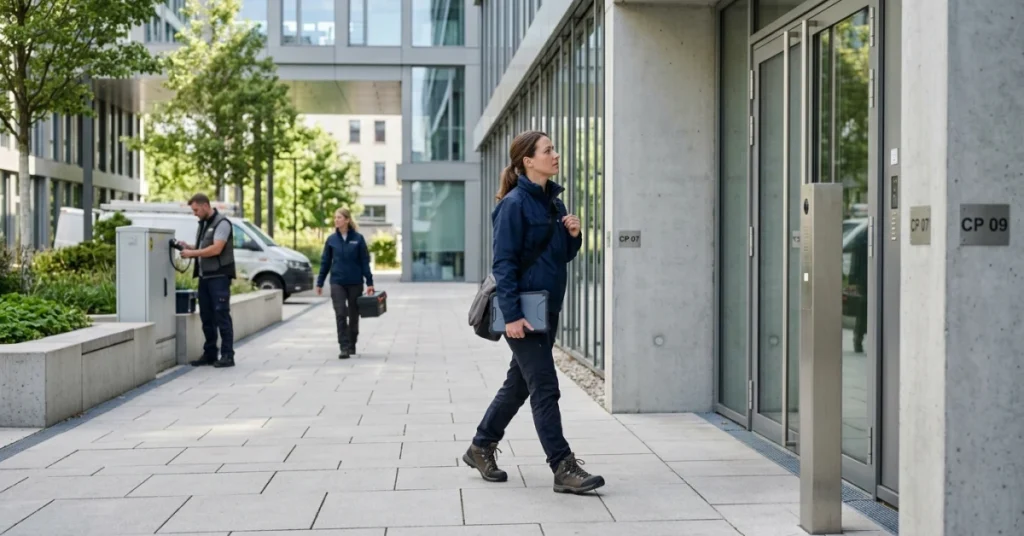
Field sales data capture means recording customer interactions, product feedback, and order details at the point of contact. Reps log it on-site — not back at a desk.
This is very different from inside sales logging. Field data decays fast, and the rep is rarely near a keyboard when it happens.
Salesforce reports that high-performing sales teams are 2.8x more likely to use real-time data to guide decisions. That stat alone shows why timing matters.
Fieldpie is built around closing that timing gap. Outside sales data collection only creates value when it happens within minutes, not hours.
What Data Should Sales Reps Capture During Every Visit?
Not every data point is worth logging. Reps should focus on what actually changes a decision — not what fills a form.
Order details — quantities, SKUs, and pricing agreed on the spot
Buyer sentiment — objections raised, tone, and any competitor mentions
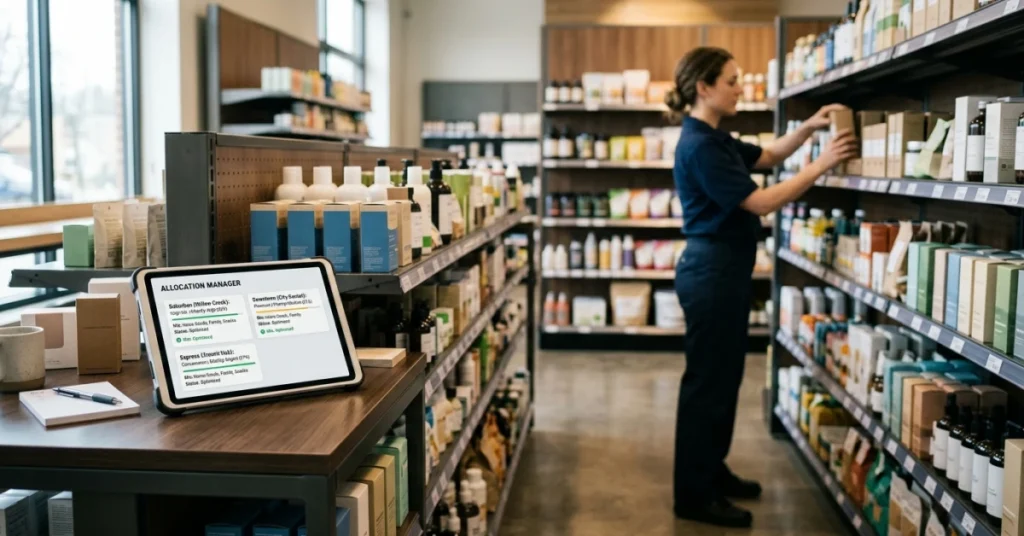
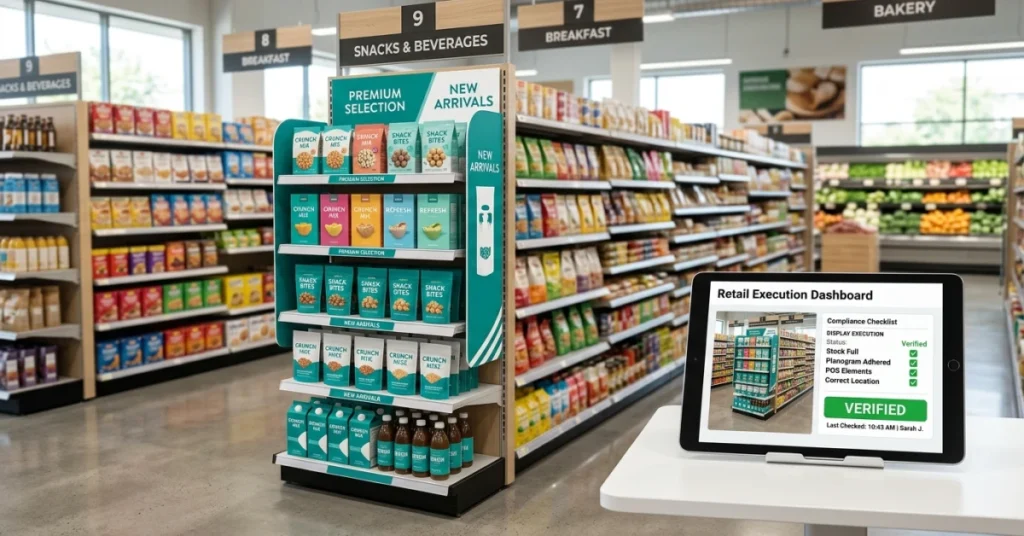
Shelf or site conditions — stock levels, display compliance, or product placement
Next steps — follow-up date, decision-maker name, and open commitments
Photos or signatures — proof of delivery, condition, or agreement
These inputs turn real-time field data capture from a logging task into a competitive act. Reps who capture effective sales pitch outcomes on-site close faster than those who reconstruct them later.
How Field Sales Data Capture Differs From CRM Data Entry
CRM entry is a reporting task — it happens after the fact and describes what already occurred. Mobile order capture and field sales data capture are live acts; they shape what happens next.
“The difference isn’t the tool — it’s the timing. Data captured in the field within minutes is a decision-support asset. Data entered that evening is a historical record.”
Inside sales reps log from memory at a desk with full context still fresh. Outside sales reps move from stop to stop — every hour of delay costs accuracy.
That’s why field sales software must meet reps in the moment. It can’t wait for them to return.
The real question isn’t whether to capture data. It’s which data points actually move revenue and which ones just create noise.
Which Field Sales Data Should Teams Prioritize?
Not all data is worth capturing — and teams that log everything end up acting on nothing. The real question isn’t how much you record, but which data points actually change what happens next.
Over 60% of field reps admit they skip or delay logging visit details when forms feel too long (Spotio). That delay is where deal intelligence dies — and it’s why smart outside sales data collection starts with ruthless prioritization, not exhaustive checklists.
Psi Mobile found that data accuracy drops sharply when reps log visits more than two hours after the interaction. Shorter forms focused on high-value fields — not longer ones — are what keep real-time field data capture actually real-time.
📊 By the Numbers
Reps who log data within 5 minutes of a visit are 40% more likely to record accurate next steps.
Visit Outcomes and Customer Notes
A visit outcome is the single most actionable field — it tells the next rep exactly where the deal stands. Customer notes add context: objections raised, mood, timing concerns, and anything that shifts the approach.
Without these two fields captured on-site, the visit might as well not have happened. Memory fades fast, and a vague “stopped by” entry helps no one.
Orders, Opportunities, and Sales Activities
Mobile order capture logged at the point of sale removes a full day of lag from your pipeline. Every hour between the handshake and the entry is an hour where the order can fall through the cracks.
Opportunities and activities — demos given, samples left, decisions pending — belong in the same capture moment. Field sales software that bundles these into one quick form cuts entry time and boosts completeness.
Product Availability and Competitor Information
Stock gaps and competitor placements are perishable intelligence — they change daily. A rep who logs shelf conditions on-site gives the team a real-time view that no weekly report can match.
Competitor pricing and promotions spotted in the field belong in the same capture flow. This is the kind of competitive field insight that shapes the next pitch before the rival even knows you noticed.
Photos, Signatures, GPS, and Proof of Visit
Proof data — photos, GPS stamps, and signatures — protects both the rep and the business. It turns a disputed visit into a closed case in seconds.
These fields also create accountability without micromanagement. When proof is automatic and fast, reps don’t resist it — they rely on it.
Follow-Up Actions and Next Visit Requirements
A follow-up task logged on-site is ten times more likely to happen than one added from memory at end of day. Capture the next step while the conversation is still fresh.
Next visit requirements — who to see, what to bring, what to resolve — turn a one-time call into a managed relationship. That’s where field sales data capture stops being a record and starts being a strategy.
Knowing what to capture is only half the battle — the other half is building a workflow that makes capturing it effortless, fast, and impossible to skip.
What Does an Effective Field Sales Data Capture Workflow Look Like?
Knowing which data points matter is only half the battle — the other half is capturing them at the right moment. A workflow built around timing beats one built around discipline every time.
Most reps lose accuracy the longer they wait to log a visit. Data logged within minutes of a customer interaction is far more reliable.
Notes typed up at the end of a long day on the road are prone to gaps and errors.
📊 By the Numbers
Field teams that log data in real time are up to 3x more likely to act on it within 24 hours.
Prepare Customer and Visit Data Before the Rep Arrives
A strong outside sales data collection workflow starts before the rep leaves the office. Pre-loaded account history, open tasks, and visit goals give reps context — so they record what matters, not just what’s easy.
Field sales software that auto-populates visit forms cuts setup time and removes guesswork. Reps show up ready to observe, not scrambling to recall account details.
Capture Information During the Customer Visit
Real-time field data entry means logging on a mobile device while still at the customer’s location. Every minute of delay adds noise to the record.
Mobile order tools let reps tap, photo, and submit in under two minutes. Speed here is not a convenience — it’s a quality control measure.
Validate Required Fields Before Visit Completion
Mandatory field validation stops incomplete records before they enter the system. The app should prompt the rep — not the manager two days later — when something is missing.
This single step removes most of the cleanup that hurts reporting accuracy. A well-built mobile form is self-correcting by design, not by follow-up email.
Sync Data With Managers, CRM, and Reporting Systems
Once a visit closes, data should flow automatically — no manual exports, no CSV uploads. Automatic sync means managers see field activity right away, not at the weekly review.
According to Esri, organizations that automate field data sync cut reporting lag by over 60%. That speed helps decision-makers act on live information — not last week’s numbers.
Turn Captured Data Into Follow-Up Tasks
Data that doesn’t trigger action is just storage. The best workflows auto-generate next steps — a callback reminder, a quote request, a reorder flag — straight from what the rep logged.
As Online HBS notes, structured data collection only creates value when it connects to a clear next step. Pair this with sales forecasting best practices and your pipeline becomes a living system — not a static report.
Teams that treat field data entry as a real-time act — not an end-of-day chore — don’t just have better records. They close faster and respond sooner.
Those advantages stack up visit after visit. The only question is whether your current workflow is built to match that standard.
Conclusion
Timing is everything in field sales. Teams that capture field data within minutes of a customer interaction are far more accurate. Those who wait until end-of-day make more mistakes.
According to Simplydepo, companies that act on real-time sales data see up to 20% faster revenue growth. Competitors that rely on delayed reporting fall behind.
Most outside sales data collection fails not because reps lack discipline. It fails because the workflow forces them to recall details hours too late.
Salesforce research shows that high-performing sales teams are 2.8x more likely to use mobile order capture tools. These tools are built into the workflow — not treated as an afterthought.
Reps who log visits on paper or batch-enter data at a desk lose the timing advantage. That timing is exactly what makes field sales data capture valuable.
FieldPie lets reps collect orders, photos, signatures, and visit notes the moment they happen. It uses customizable mobile forms that work even offline.
Better sales forecasting accuracy follows naturally when your data reflects reality, not memory. Start by auditing one rep’s end-of-day data entry habit.
Then ask what it would look like if that same data was captured at the door.