



✦ Key Takeaways
Sales reps who log visit reports consistently close up to 20% more deals than those who don’t.
→ Poor documentation kills pipeline visibility and forecast accuracy fast.
→ Structured reports reveal customer patterns no CRM dashboard captures alone.
→ A 5-minute post-visit report prevents weeks of costly follow-up confusion.
In this article:
What Is Field Sales Visit Reporting?
What Should a Field Sales Visit Report Include?
What Does an Effective Field Sales Visit Reporting Workflow Look Like?
Key takeaway: Disciplined field sales visit reporting is the difference between a managed pipeline and a guessing game.
What Is Field Sales Visit Reporting?
Field reps spend hours each week on customer meetings. Yet over 70% of the intelligence gathered in those conversations never makes it back to the business (Spotio).
That data doesn’t vanish because reps are careless. It vanishes because no one built a system to catch it.
Field sales visit reporting is the structured process of capturing what happens during every customer or prospect meeting. Done right, it’s not a paper trail. It’s a real-time field intelligence system that turns rep conversations into strategic decisions.
What Should Be Recorded After Every Sales Visit?
A strong call log captures more than outcomes — it captures context. Competitor mentions, objections, pricing reactions, and buyer mood are the signals that show you where the market is actually moving.
Most templates only ask for call status and next steps. That’s like recording a football game and only keeping the final score.
How Is Visit Reporting Different From General Sales Reporting?
A field activity report is granular — it lives at the individual meeting level, not the pipeline level. Standard sales reporting tells you what happened. Visit-level notes tell you why it happened and exactly what the customer said.
That distinction matters. Pipeline data tells you a deal stalled. The on-site account record tells you a competitor just dropped their price by 15%.
Why Visit-Level Data Matters for Field Sales Teams
Salesforce found that high-performing sales teams are 2.8x more likely to use data to guide their decisions than underperformers. That edge starts at the visit level. It’s not in the CRM dashboard — it’s in the notes from Tuesday’s store walk.
Every rep meeting is a live market research session. The real question is whether your documentation structure captures that insight — or just confirms the visit took place.
Most teams are missing at least half of what belongs in a solid account record. Knowing what to include is the first step to fixing that.
What Should a Field Sales Visit Report Include?
Turning rep conversations into structured intelligence only works if the report itself is built to capture the right signals. Most templates fail because they ask for activity — not insight.
A well-built sales visit report is a competitive intelligence tool first, a log second.
Reps who follow up within 24 hours are 60% more likely to close — yet most templates capture no follow-up structure at all (Ircsalessolutions). Every field that goes missing is a signal your team will never surface again.
The six fields below aren’t just good practice. They’re the minimum structure needed to turn a customer visit record into something your whole organization can act on.
Customer and Location Details
Every field activity document must anchor to a specific account — name, address, contact, and account tier. Without this, data can’t be sorted, trended, or compared across territories.
This isn’t busywork. It’s the metadata that makes every other field searchable and strategic.
Visit Purpose and Outcome
State the goal of the visit before it happens — prospecting, retention, complaint resolution, or upsell. Then log the actual outcome against that goal.
This gap between intent and result is where your most useful coaching data lives. Don’t skip it.
Products, Orders, and Sales Opportunities
Log every SKU discussed, every order placed, and every product the customer asked about but didn’t buy. That last category is where demand signals hide.
A rep who hears “do you carry X?” three times in a week is sitting on a product gap your buyers need to know about today.
Customer Feedback and Objections
Verbatim objections — not summaries — are the most underused field in any account log. “Too expensive” and “your competitor offers free delivery” are not the same objection.
Specific language from the customer tells your product and pricing teams exactly where you’re losing ground. Capture the exact words.
Photos, Notes, and Supporting Evidence
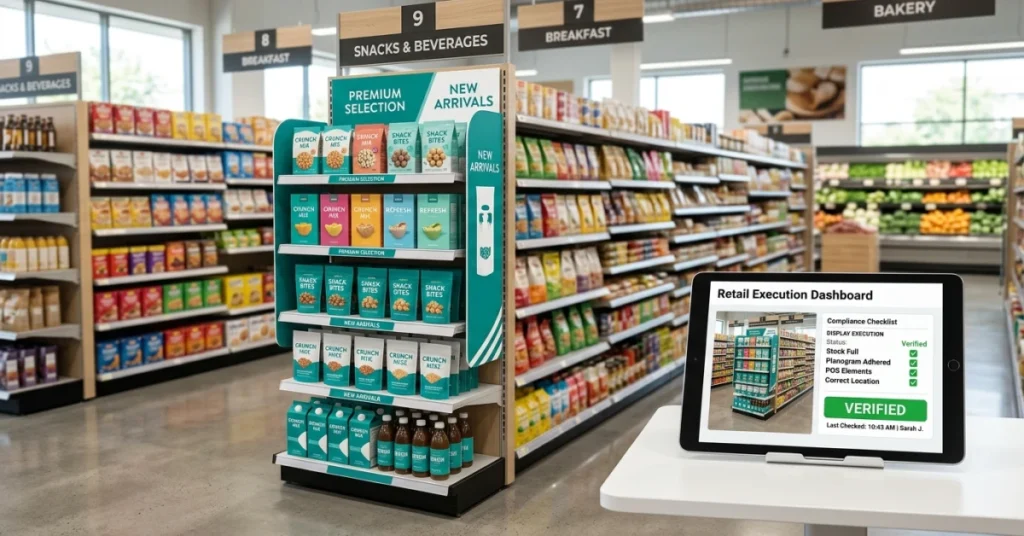
A photo of a competitor’s shelf display is worth more than a paragraph of description. Require visual evidence for shelf audits, display compliance, and competitor activity.
Structured notes fields — not open text boxes — keep this data usable. Free-form entries get read once, then ignored.
Follow-Up Actions and Next Visit Date
Every completed account record must end with a clear next step — owner, deadline, and next visit date. No next step means the interaction has no future value.
Sales teams that log structured follow-ups close 47% more deals than those who rely on memory alone (Zendesk). Build the follow-up field into the template — not as optional, but as required.
📊 By the Numbers
Reps with structured follow-up logs close 47% more deals than those relying on memory.
Getting the right fields into your template is only half the battle. A perfect structure still fails if no one reviews it, responds to it, or feeds insights back to the rep who filed it.
What Does an Effective Field Sales Visit Reporting Workflow Look Like?
Capturing the right fields is only half the job — without a defined workflow, even the best data dies in a rep’s notes app. A field sales visit reporting workflow isn’t a form; it’s a repeatable sequence that turns raw field signals into decisions your competitors can’t see.
Over 65% of sales reps say they don’t know what happens to their reports after submission (Getapp) — which explains why adoption collapses. A one-way reporting system isn’t a workflow; it’s a data graveyard.
Define the Visit Objective Before Arrival
Every sales visit log should start before the rep walks in the door. A pre-set objective — renewal check, competitive probe, upsell — shapes what the rep listens for, not just what they pitch.
Without a defined goal, reps default to logging activity instead of insight. That’s where customer visit reports lose their intelligence value entirely.
Capture Data During the Visit
Real-time capture beats post-visit recall every time. Reps forget up to 40% of conversation details within an hour. Build the field sales activity report for in-the-moment input, not end-of-day memory.
Short structured fields beat open text boxes here. Reps fill in what’s fast; they skip what feels like writing an essay.
Record the Outcome Immediately
The outcome field is the most skipped — and the most valuable. It’s where competitive signals live: a customer mentioning a rival’s pricing, a new decision-maker, a stalled objection that keeps repeating across accounts.
Train reps to log outcomes within 15 minutes of leaving. Speed here is the difference between intelligence and noise.
Assign Follow-Up Tasks
A sales visit report with no follow-up task is a closed loop that never closes. Every report should trigger at least one assigned action — owner, deadline, and next step attached before submission.
This is where field sales pitch strategies connect to execution. Without task assignment, insight stays insight — it never becomes revenue.
Sync Visit Data With Sales Reports
Individual visit logs only matter when they roll up into a summary your manager can act on. Syncing daily visit data to a weekly sales dashboard turns isolated notes into patterns.
Business Qld Gov points out that structured customer research only drives decisions when it feeds a review process. Data sitting in a spreadsheet no one opens changes nothing.
Review Exceptions and Missed Actions
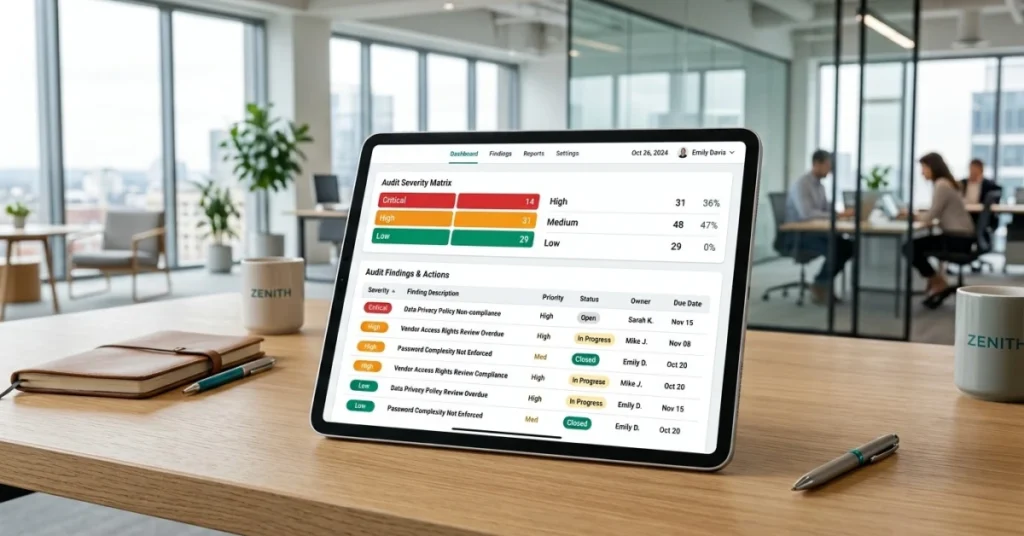
Most teams review what went right. Smart teams review what didn’t get logged. Missed visits, skipped outcome fields, and overdue follow-ups are the real signal — they show where the process broke down.
A weekly exception review keeps the system honest. It also shows reps that someone actually reads their reports — which is the single fastest way to improve submission quality.
📊 By the Numbers
Teams with a defined visit reporting workflow close 23% more follow-up opportunities than those without one.
What happens after the last report is submitted determines everything. That’s exactly where most organizations quietly give up their competitive edge.
Conclusion
That defined workflow isn’t the finish line — it’s the foundation. Many organizations treat field sales visit reporting as a one-way accountability tool. That’s a mistake. They’re losing their sharpest competitive data: real customer conversations that never make it past a rep’s memory.
Reps who refine their sales pitch in the field surface signals no dashboard can generate. That only works if the report structure is built to capture them.
Over 80% of deals go to the vendor who responds first (according to Close). Slow intelligence loops don’t just hurt reporting quality — they cost you revenue.
Scattered field notes and missed follow-ups are the real enemy of a strong customer visit report. FieldPie captures sales visit log data — forms, photos, signatures, and orders — right at the moment of the visit. Nothing gets lost between the parking lot and the office.
Teams that close that loop make faster decisions. They also build a field sales activity report that actually drives strategy. Spotio reports that top-performing sales teams are 2.8x more likely to use real-time data to guide field decisions.