


As handyman businesses grow, spreadsheets and manual processes stop working. The global handyman software market was valued at around $42.1 billion in 2023 and is projected to expand at a compound annual growth rate of about 5.6 % through 2030, driven by growth in construction, increasing demand for reliable home services, and the shift to cloud‑based, AI‑enabled systems.
To handle unpredictable service requests, urgent repairs, and complex jobs, handyman companies need dynamic systems that coordinate job scheduling, dispatch, and work‑order execution. This guide covers the best handyman software solutions available today to help you find the right fit for your business.
Why Your Handyman Business Needs Software
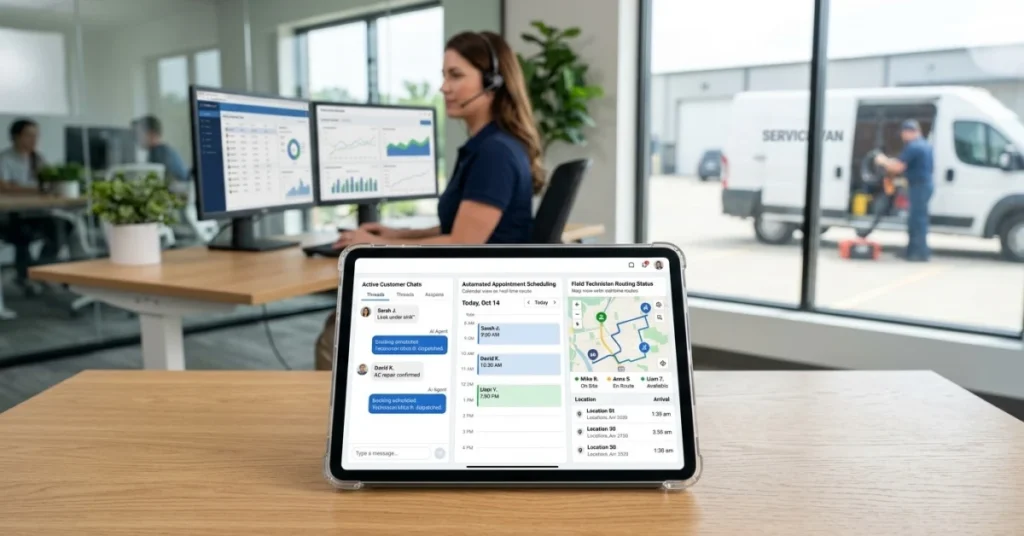
Spreadsheets create scheduling gaps, billing delays, and poor visibility. Handyman software fixes this by bringing job scheduling, dispatch, and work‑order management into one platform—automatically matching the right technician to each job, clustering job stops to cut travel time, and giving field crews mobile access to job details, customer history, and forms.
Businesses that centralize scheduling, dispatch, invoicing, and reporting gain better control, fewer errors, and a faster path to growth.
What These Handyman Software Solutions Have in Common
Despite their differences, all tools on this list share a core foundation:
- Replace manual tools — no more spreadsheets or paper schedules
- Centralize job scheduling & work‑order management — manage work from one place
- Connect office and field — real‑time sync between teams
- Handle estimating, invoicing & payments — end‑to‑end billing flow
- Improve operational visibility — track jobs, teams, and performance
Together, these capabilities help handyman companies handle more jobs, manage larger teams, and scale without added complexity.
Top Handyman Software Solutions
This list highlights leading handyman software solutions built for modern field operations.
The platforms below support handyman contractors and service businesses by combining job scheduling, dispatch, work‑order management, reporting, and customer management—helping teams coordinate crews and scale efficiently.
Each solution supports different business sizes, from small crews to complex, multi‑team operations.
1. FieldPie
FieldPie is a modern field management platform built to handle everything from job scheduling to invoicing within a single system.
It combines smart planning, task management, customizable forms and real‑time reporting to keep field crews and managers in sync.
Because it’s scalable and modular, FieldPie can support a solo handyman or a multi‑location home services business without complex add‑ons.
Core capabilities include:
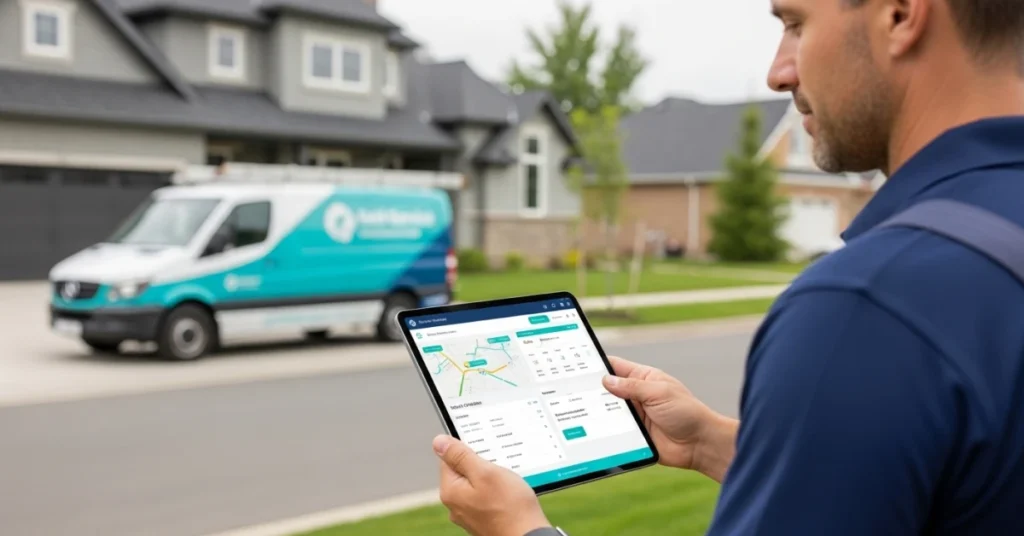
- Smart scheduling and route optimization. The platform offers AI‑powered route planning and smart scheduling that balance workloads and minimize travel time.
- Job and task management. Teams can create recurring jobs, capture photos, signatures and payments, and access customizable mobile forms—even without an Internet connection.
- Client management and communication. Built‑in CRM, email and SMS notifications, and online booking help keep customers informed and engaged.
- Quoting, invoicing and follow‑ups. Intelligent quoting tools, QuickBooks integration and automated invoice reminders streamline the sales and billing process.
- Real‑time reporting and GPS tracking. Live dashboards, GPS tagging and detailed analytics give full visibility into job status and crew performance.
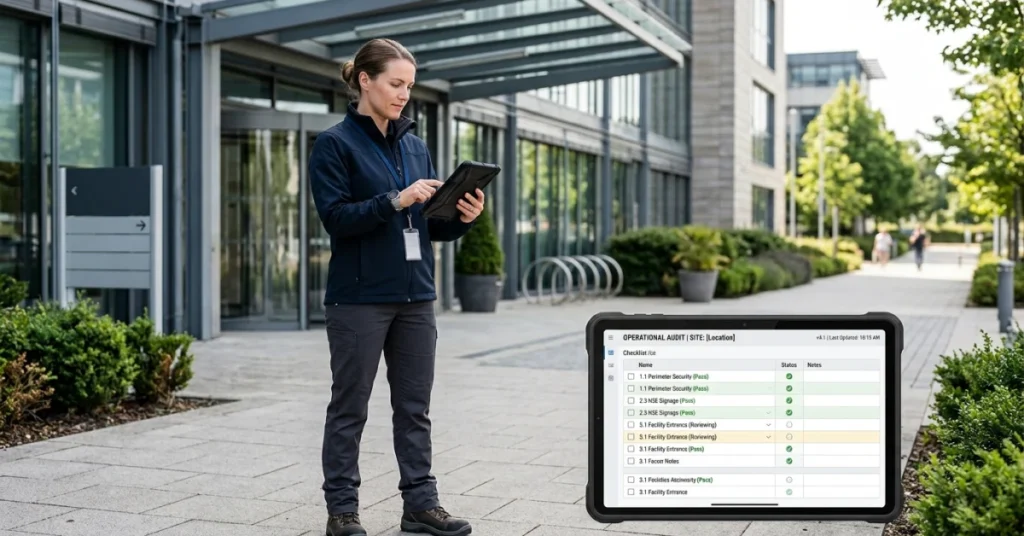
- Custom forms and data management. Users can build their own forms for audits or job inspections and export data for further analysis.
Where FieldPie stands out:
- FieldPie’s breadth of features lets handyman teams manage the entire job lifecycle without switching between multiple tools.
- Its AI‑powered routing, offline capability and customizable forms offer flexibility for on‑site work, while live dashboards and CRM functions help owners stay on top of performance.
- The platform’s scalability means that a sole proprietor won’t outgrow it, yet larger operations still get robust reporting and automation.
Things to consider:
FieldPie focuses on operational excellence rather than marketing or call‑center features.
2. Jobber
Jobber offers field service management software aimed at small and mid‑sized businesses.
It simplifies day‑to‑day operations with straightforward scheduling, quoting, invoicing and client communication.
Core capabilities include:
- Scheduling and dispatching. Drag‑and‑drop calendars let you plan jobs and assign technicians, adjusting in real time when plans change.
- Quoting and estimating. Professionals can build detailed quotes and send them for customer approval.
- Invoicing and payments. One‑click invoices and online payment options help contractors get paid quickly.
- Customer management. Jobber’s CRM stores client details, job history and notes, making repeat service easier.
- Customer communication. Automated reminders and updates keep customers informed.
- Online booking and integrations. Customers can request service via a booking form, and data can sync with accounting or marketing apps.
Where Jobber stands out:
- The tool’s core strength is simplicity—most users can set up accounts and start scheduling jobs in minutes.
- Jobber covers the essential field management workflows without overwhelming small teams.
- Its pricing tiers allow owners to pay only for the users and features they need, making it affordable for startups.
Things to consider:
- As teams grow, per‑user pricing can add up.
- Advanced reporting, job costing and custom workflows require higher‑tier plans or separate solutions.
- Jobber may not suit companies that need deep project management or industry‑specific automations.
3. Housecall Pro
Housecall Pro is an all‑in‑one platform focused on automation and customer experience.
It handles dispatch, payments and marketing, while offering AI tools to help book jobs and analyze performance. The platform is popular among home service professionals who want to streamline operations and grow revenue..
Core capabilities include:
- Scheduling and dispatch. Set up new or recurring jobs, notify technicians and track crews with GPS.
- Invoices and payments. Digital invoicing with automated reminders, plus credit‑card and ACH payments.
- Estimates and price book. Custom proposals and a built‑in price book allow quick quote creation.
- Sales pipeline and online booking. A pipeline dashboard manages leads and estimates; customers can book 24/7 via an online portal.
- Voice and call‑center tools. VoIP and call‑answering services help track lead sources and capture calls.
- AI assistants. “AI Team” automates booking and admin tasks, while “CSR AI” answers calls; Analyst and Coach AI modules provide performance insights.
- Reporting and extras. Dashboards, GPS tracking, price books, job costing and recurring service plans.
Where Housecall Pro stands out:
- The platform goes beyond basic scheduling by integrating marketing, payments and advanced automation.
- AI‑driven assistants handle calls and bookings, while built‑in financing options help close larger jobs.
- For owners who want to grow through marketing and data‑driven insights, Housecall Pro offers an expansive toolkit.
Things to consider:
- Feature depth comes with higher subscription costs; many functions are add‑ons or limited to certain plans.
- Smaller handyman teams may find some features unnecessary.
- Initial setup and training may be more involved compared with simpler platforms.
4. ServiceTitan
ServiceTitan targets mid‑size and large field service contractors, particularly in HVAC, plumbing and electrical trades. It offers comprehensive job management, call handling and marketing tools designed for multi‑crew operations and franchises.
Core capabilities include:
- Scheduling and intelligent dispatch. A drag‑and‑drop board with optimized routing helps dispatch technicians efficiently.
- Mobile technician app. Offline‑capable mobile tools capture job details, photos and signatures.
- Price book and quoting. Built‑in price books ensure consistent pricing; mobile estimates and quoting tools speed up sales.
- Real‑time dashboards and reporting. Live performance metrics show revenue, job status and technician productivity.
- Job costing and inventory management. Track parts and labor costs while managing stock and purchase orders.
- Call booking and CRM automation. Integrated call centers and CRM features log every call and automate follow‑ups.
Where ServiceTitan stands out:
It consolidates job scheduling, sales, marketing and accounting into one platform.
Things to consider:
- Per‑technician pricing and setup fees can be substantial for small teams.
- The depth of features may create a steeper learning curve.
- Smaller handyman businesses might not need the full complexity or cost of ServiceTitan.
5. FieldPulse
FieldPulse is designed for contractors who need a customizable solution. It lets you tailor workflows, manage projects and give customers a portal to book jobs and pay invoices.
The platform suits a wide range of trades—HVAC, plumbing, electrical and of course, handyman work..
Core capabilities include:
- Scheduling and dispatch. Drag‑and‑drop calendars and GPS‑enabled routing ensure the right technician gets to the right job quickly.
- Custom workflows. Users can configure job stages and forms to match unique processes.
- CRM and customer portal. A built‑in CRM tracks customer information and job history; clients can approve proposals and pay invoices online.
- Estimates, invoices and payments. Professional estimate and invoice tools integrate with payments to speed up cash flow.
- Work orders and project management. Work order management ensures tasks are completed properly, while project management supports multi‑step jobs.
- Price book and financing. A standard price book enables accurate quotes; financing and payment options make it easy for customers to pay.
- Reporting and integrations. Over sixty pre‑built reports provide insights; the platform connects with accounting and CRM tools.
Where FieldPulse stands out:
- FieldPulse’s flexibility allows companies to tailor workflows without writing code.
- The customer portal and booking system help contractors provide a modern experience.
Things to consider:
- Some advanced modules may require additional fees.
- Configuring custom workflows takes time and training.
- FieldPulse may not have the deep analytics or franchise‑scale tools of enterprise platforms like ServiceTitan.
Your Strategic Roadmap: How to Choose the Right Handyman Software
Choosing the right handyman software starts with understanding your operations, growth goals and daily field needs. As teams scale, visibility into customer data, job history, schedules, routes and technician locations becomes just as important as core service execution.
Must‑Have Features for Handyman Software
Industry reports and expert guides highlight common capabilities that handyman companies need:
Scheduling & dispatch — match technicians to jobs by location, skills, and availability; reassign urgent tasks instantly
Work‑order & maintenance management — track service history, manage work orders, and standardize recurring workflows
Route optimization — build efficient routes and balance workloads to cut travel time and fuel costs
Mobile field tools — access job details, log photos, signatures, and sync updates from anywhere
Billing & payments — handle proposals, invoicing, and payments
Reporting & analytics — track completion rates, revenue, and technician performance
Scalability — flexible roles, unlimited technicians, and customizable workflows as you grow
How to Choose the Right Handyman Software
Define your needs: base your choice on workflows, team size, service types and growth plans. A handyman enterprise may require specialized tools tracking and parts inventory, while general contractors may prioritize job scheduling and routing.
Ease of use: select software with an intuitive interface to ensure fast adoption without heavy training.
Scalability: ensure the platform can support more clients, technicians, tools, and jobs as you grow; look for flat‑rate pricing or unlimited users if you expect rapid expansion.
Support & training: choose vendors that offer strong onboarding, documentation and responsive support.
Trials & demos: test the software in real scenarios before committing. Most providers, including FieldPie, offer demos or early‑access programs.
Conclusion
The right handyman software needs to support your teams today and scale with you tomorrow. While every tool on this list covers the core bases, FieldPie stands out for combining powerful field execution with an experience that works equally well for small crews and large operations. Offline‑ready workflows, custom forms, and real‑time visibility make it the most complete choice for handyman businesses.
Ready to see it in action? Schedule a FieldPie demo.